

Which laptop should you choose? Our guide to buying the right one
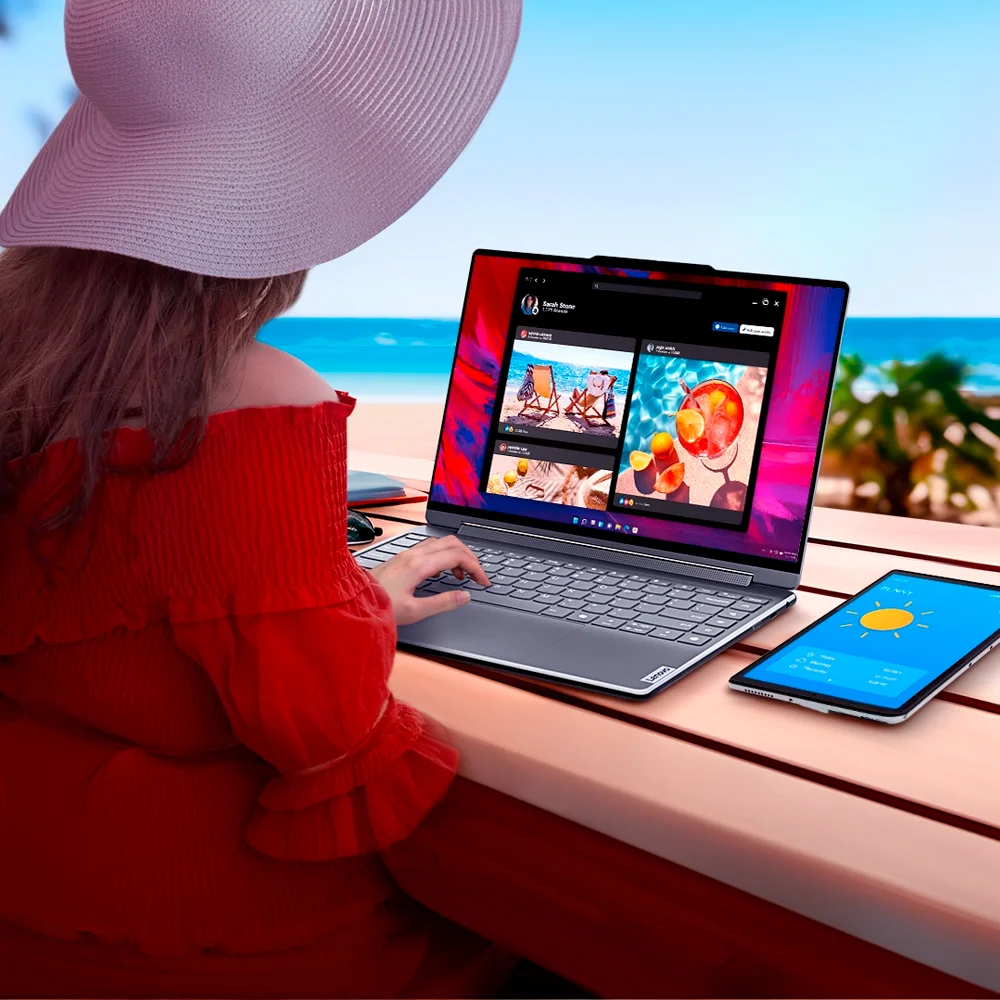
Which laptop should you choose for your needs?
A laptop for work can be used to manage quotes, present a project to clients or run a video call: each of these activities calls for different choices. The same goes for studying, leisure or a family computer used at home.
The table below helps you choose according to your habits: office work and remote working, studying and travel, photo editing, video editing or gaming. Will your laptop be used for several activities? Choose it first for your main use, then check that it can also run the most demanding software or game you use.
Use | Key criteria | HiFi tip |
|---|---|---|
Everyday office tasks | 8 GB of RAM and a 256 GB SSD | Go for 512 GB if you store photos and videos. |
Studying and travel | 13 to 14 inches, lightweight, good battery life | Check the software required by your school. |
Remote working and multitasking | 16 GB of RAM, 15 to 16-inch screen | With an external monitor, a 14-inch model is enough. |
Photo and video editing | Colour-accurate screen, 16 to 32 GB of RAM | For 4K, follow the configuration recommended by your software. |
Gaming | Dedicated graphics card, 144 Hz screen | Start from the recommended specs of your most demanding game. |
Key criteria for choosing a laptop
Memory (RAM). 8 GB is enough for browsing, writing and checking emails on Windows, but it gets tight as soon as you keep a video call, a spreadsheet and lots of browser tabs open at the same time. 16 GB is the comfortable benchmark for a computer you will keep for several years. On many thin models, the memory is soldered and cannot be upgraded after purchase, so it is better to plan ahead.Storage. A 256 GB SSD covers office use. Go for 512 GB if you keep your photos and videos on the computer, and 1 TB for gaming or video editing.Screen. 13 to 14 inches for use on the go, 15.6 to 16 inches for working with two windows side by side, 17 inches and more for a computer that rarely moves. Aim for at least Full HD resolution (1,920 × 1,080 pixels).Operating system. Windows remains the most compatible choice for business software and games. macOS suits you if you already use an iPhone or iPad. ChromeOS is limited to web and Android apps: check that your software is available before choosing a Chromebook. PCs with a Snapdragon processor (ARM architecture) offer excellent battery life, but check compatibility with your business software, printer drivers and some games.Built-in AI. Copilot+ PCs have a dedicated AI chip (NPU) of at least 40 TOPS, 16 GB of RAM and a minimum 256 GB SSD, according to the requirements set by Microsoft. This label is only useful if you plan to use the AI features in Windows.Keyboard. In Luxembourg, laptops are available with AZERTY, QWERTZ or QWERTY keyboards. The layout is shown in each product name: check it before ordering, and try the keyboard in store if you are unsure.How much should you budget for a laptop?
Two laptops sold at the same price can offer very different performance. For remote working, you may value a large screen and a comfortable keyboard more. If you travel often, weight and battery life can justify spending a little more. Here is what to prioritise in each price range.
Under €500 for office work and everyday use
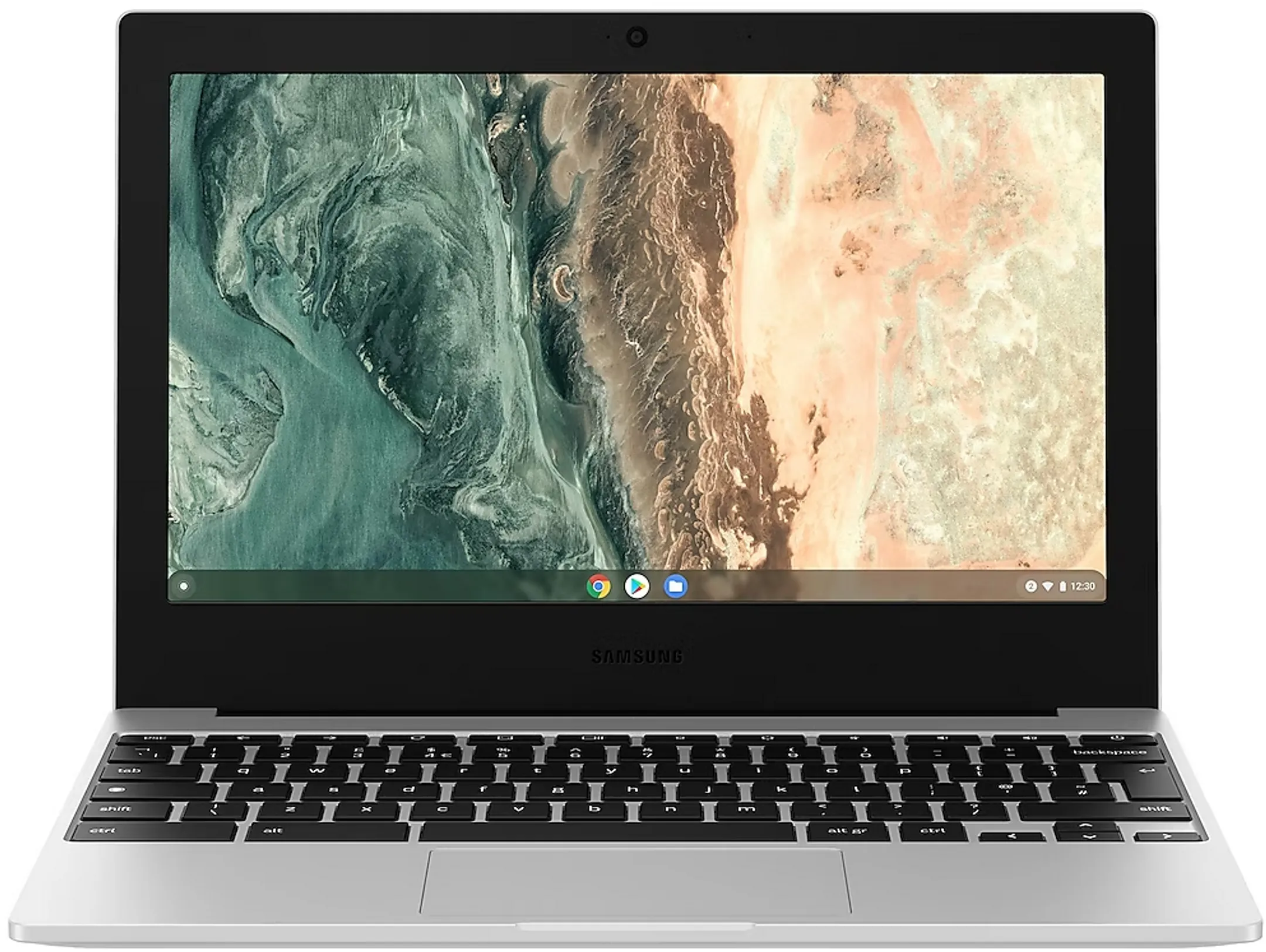
To check your emails, prepare quotes or follow online classes, a laptop under €500 can be enough. On Windows, go for 8 GB of RAM and a 256 GB SSD to work comfortably on your documents. If you are torn between two similar models, also look at the screen resolution: a Full HD display makes it easier to read a spreadsheet or a PDF.In this price range you will also find Chromebooks. Before choosing one, check that your work or school software runs on ChromeOS or that its web version covers your needs.Typical configuration for office work on Windows
- Processor: Intel Core i3 or AMD Ryzen 3.
- RAM: 8 GB for browsing the web, writing documents and checking emails.
- Storage: 256 GB SSD.
- Screen: 14 to 15.6 inches, with Full HD resolution (1,920 × 1,080 pixels).
- Graphics: integrated into the processor, enough for office work and video playback.

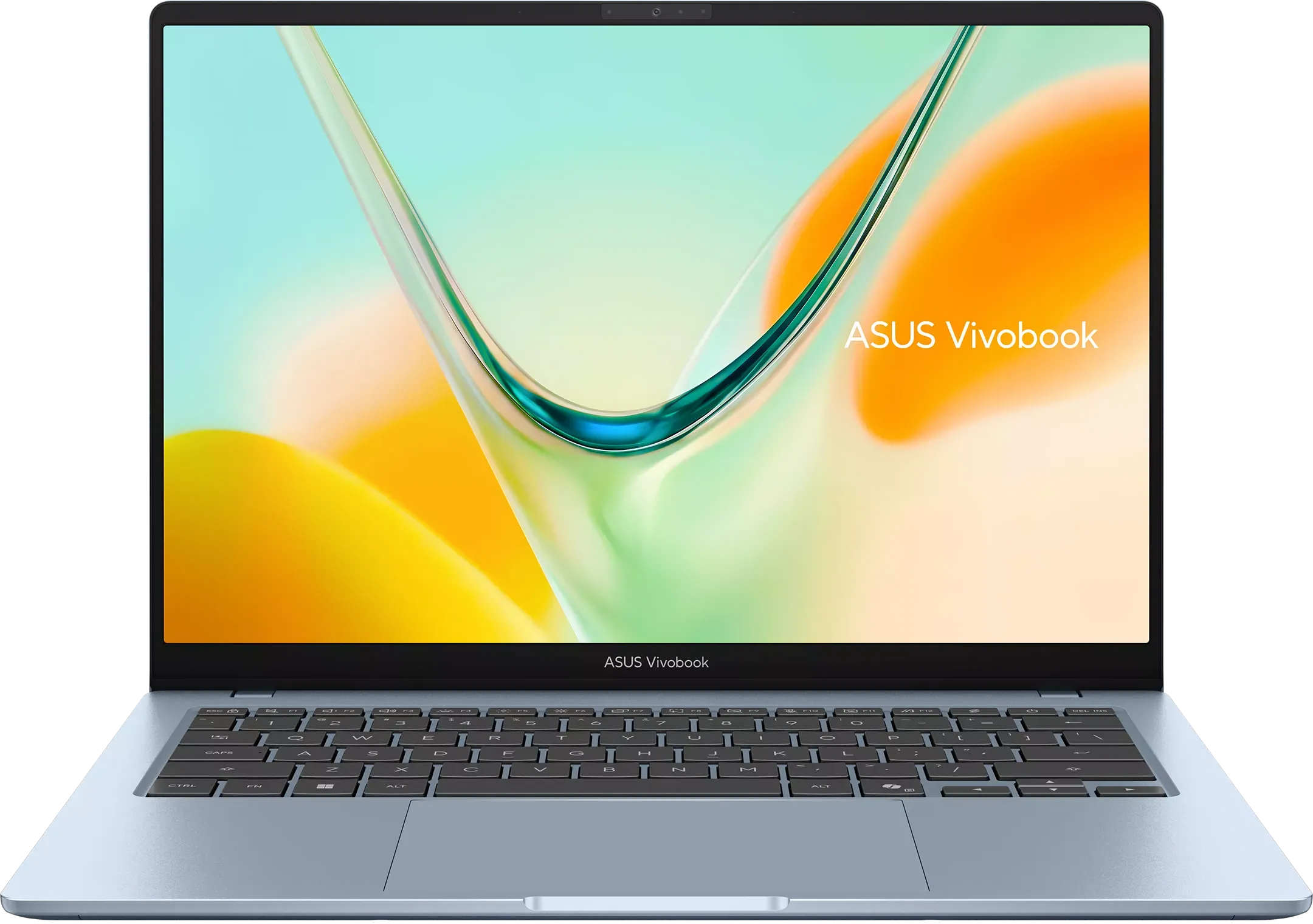
Between €500 and €1,000 for a versatile laptop
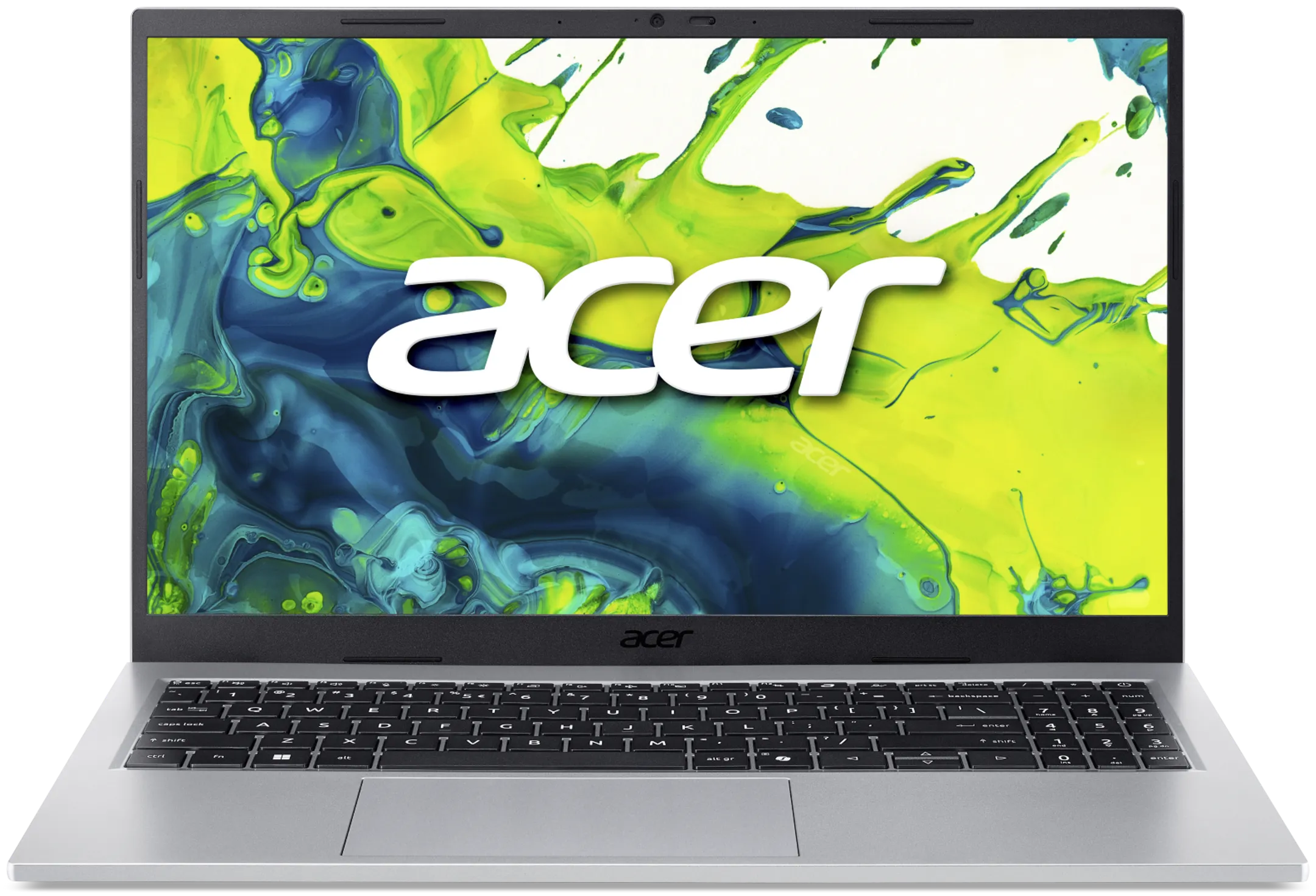
This is the price range where a configuration with 16 GB of RAM and a 512 GB SSD becomes a useful benchmark for working, studying and storing your files on the same computer. 16 GB is particularly helpful if you switch from a spreadsheet to a video call while keeping your browser and email open.With a comparable configuration, choose the size based on your week. A 14-inch model is easier to take to a client or to class. A 16-inch model gives you more room to display two windows side by side if you mainly work on the laptop screen.Typical configuration for work, studies and multitasking
- Processor: Intel Core 5 or AMD Ryzen 5.
- RAM: 16 GB to run several applications at once, such as Excel, a browser and a video conferencing tool.
- Storage: 512 GB SSD to store your software, documents and photos.
- Screen: 14 inches if you travel often, or 16 inches to work on two windows side by side. Aim for Full HD resolution or higher.
- Graphics: integrated into the processor for everyday business use, multimedia and occasional photo editing.
This is also the price range where you will find the most affordable MacBooks. On a Mac, refer to the configuration recommended by your software rather than the Windows benchmarks above.




Over €1,000 for a specific need
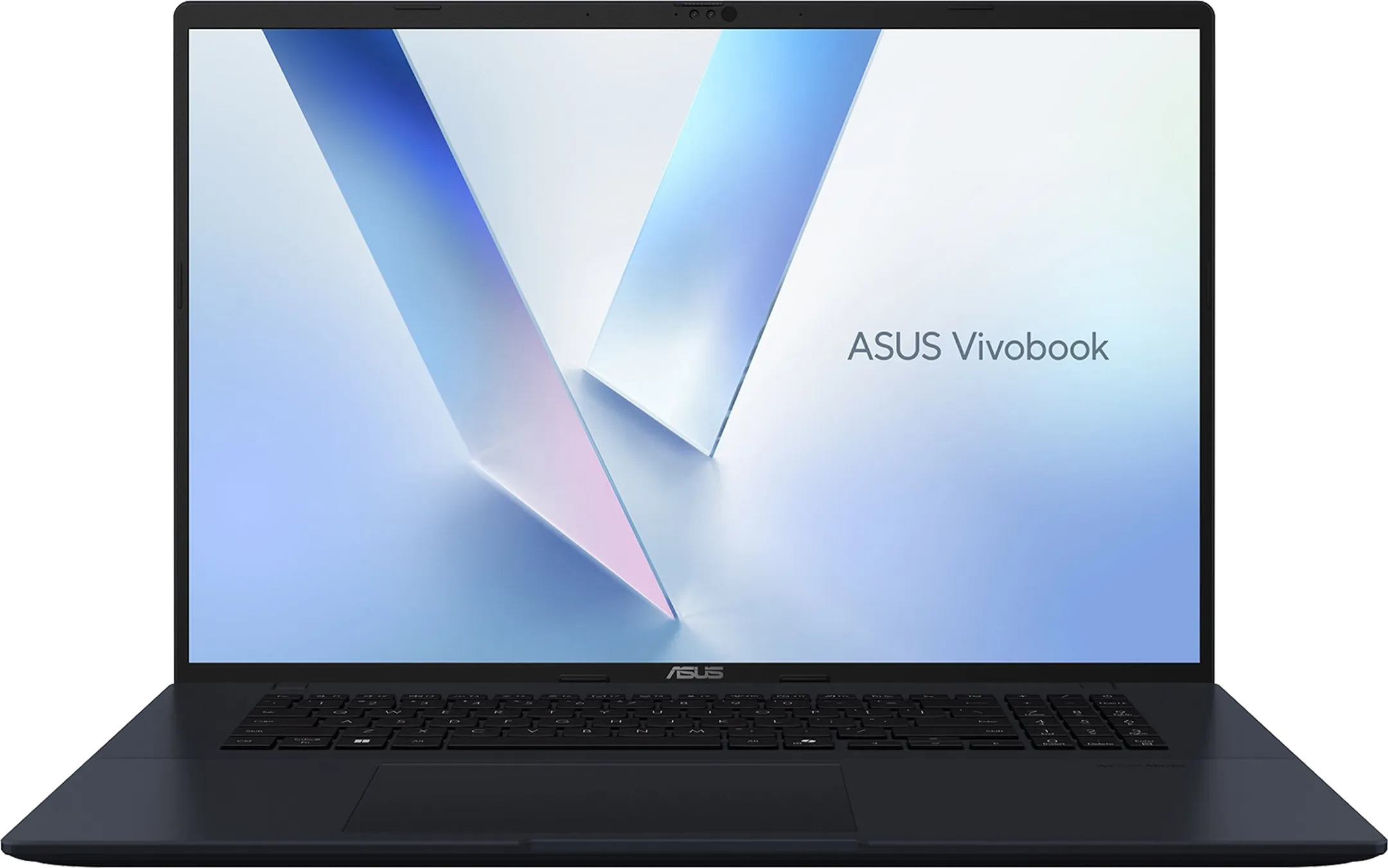
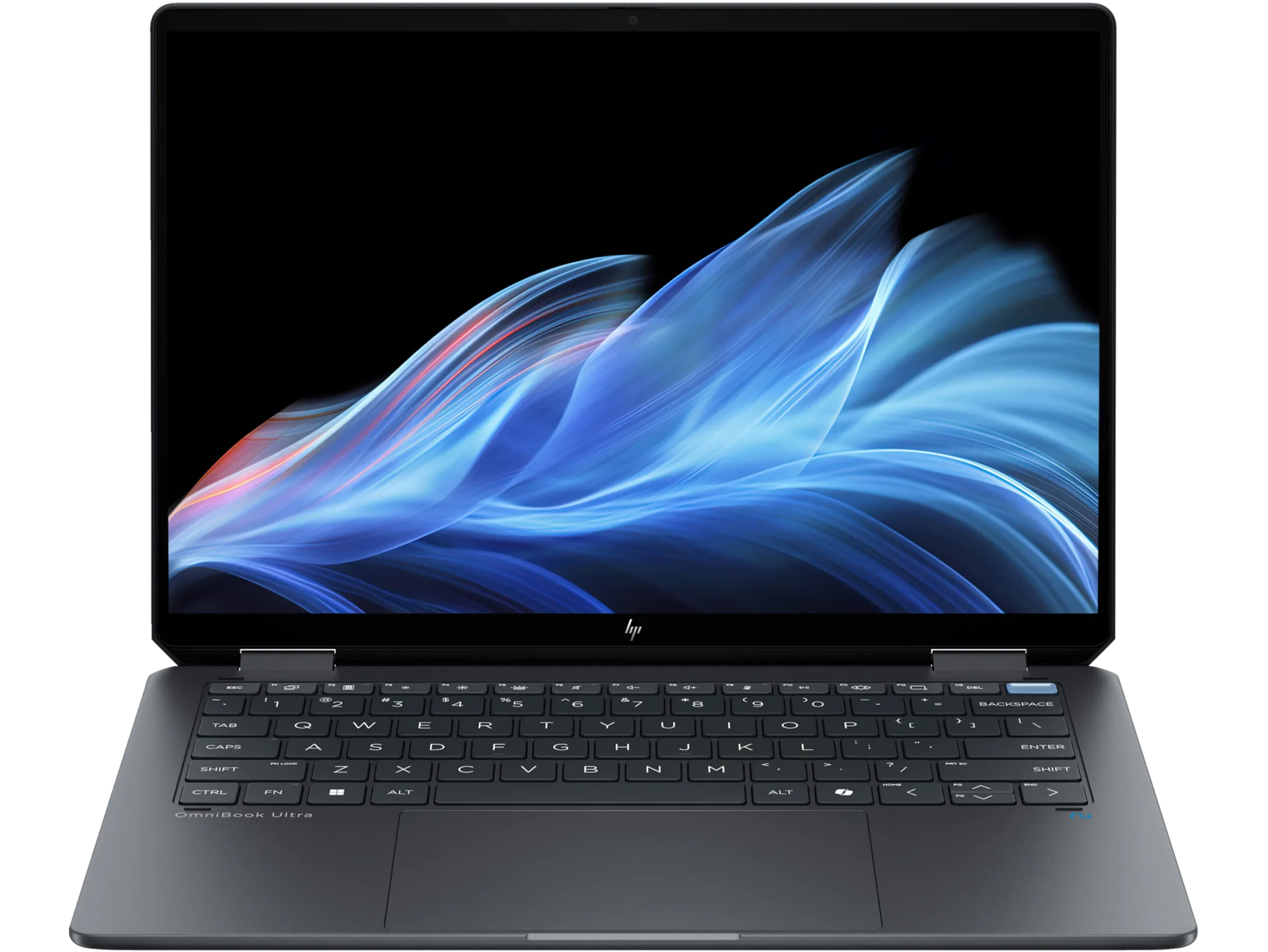
Above €1,000, ask yourself what the extra money actually gives you. For gaming, compare the graphics card with the requirements of your favourite games. For photo editing, look at the colour accuracy of the screen. For video editing, rely on the configuration recommended by your software, especially if you work with 4K footage.A higher budget can also be justified for a business ultrabook if you travel often and want a light machine with long battery life and a comfortable keyboard. If you mainly do office work at a fixed desk, a mid-range configuration may already cover your needs.Typical configuration for video editing or gaming
- Processor: Intel Core Ultra 7 or AMD Ryzen 7.
- RAM: 32 GB if you regularly work on 4K video projects. For gaming, 16 GB may be enough depending on the titles.
- Storage: 1 TB SSD to install several large games or keep the video files of an ongoing project.
- Screen: 16 inches. For photo and video editing, prioritise colour accuracy. For fast-paced games, aim for a refresh rate of 144 Hz or more.
- Graphics card: a dedicated model, chosen according to the recommendations of your editing software or the performance you want in your games.


Gaming laptop: what to compare
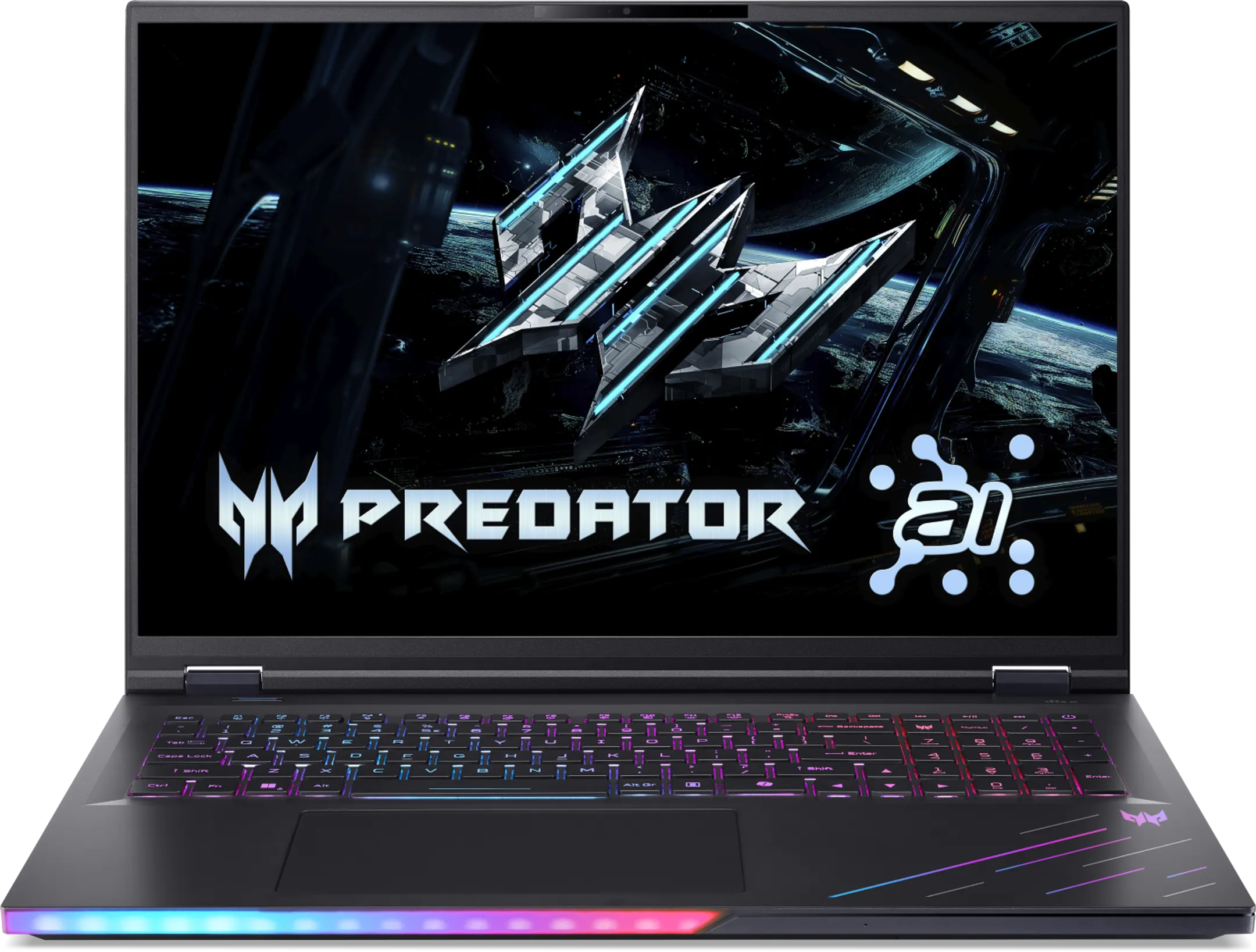
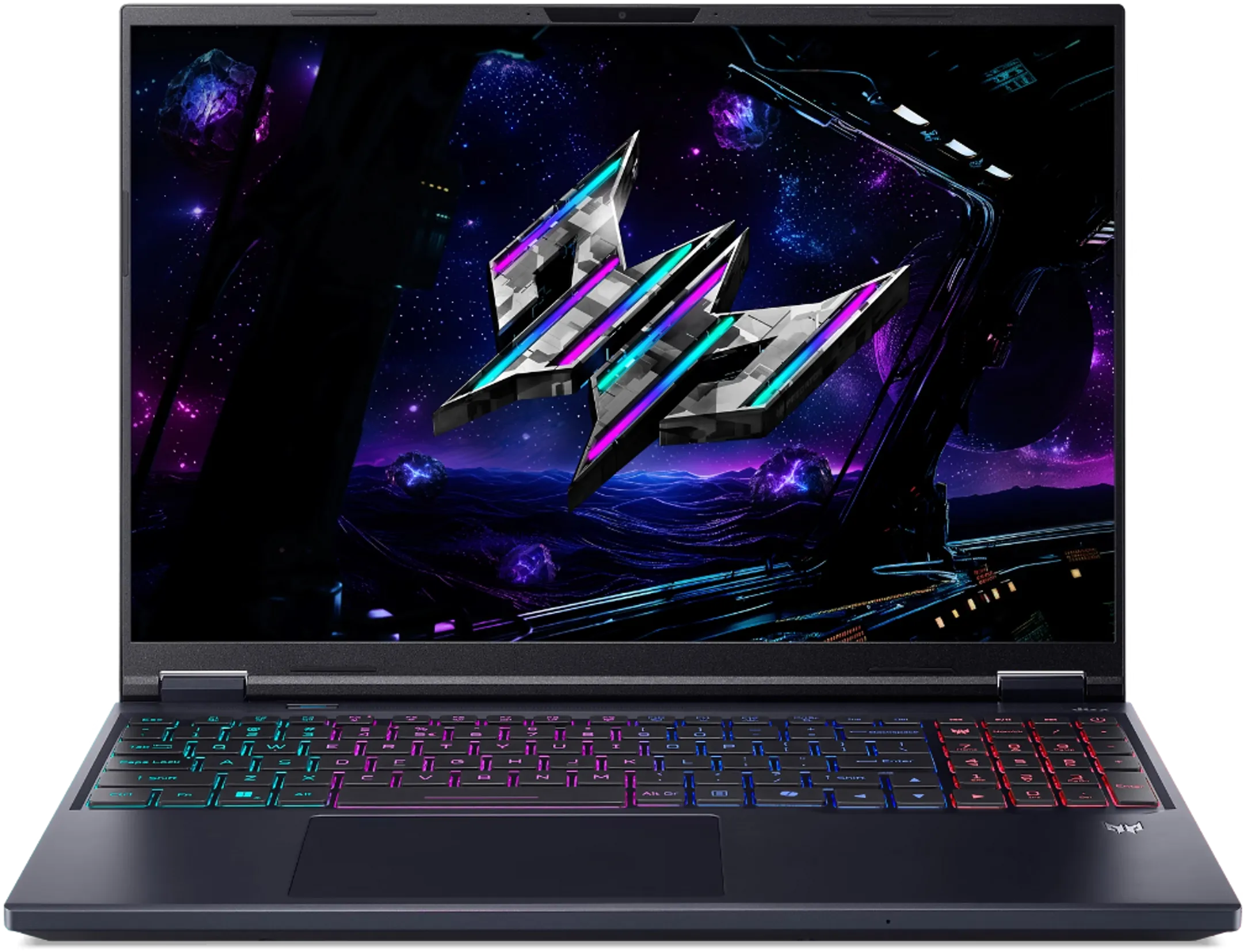
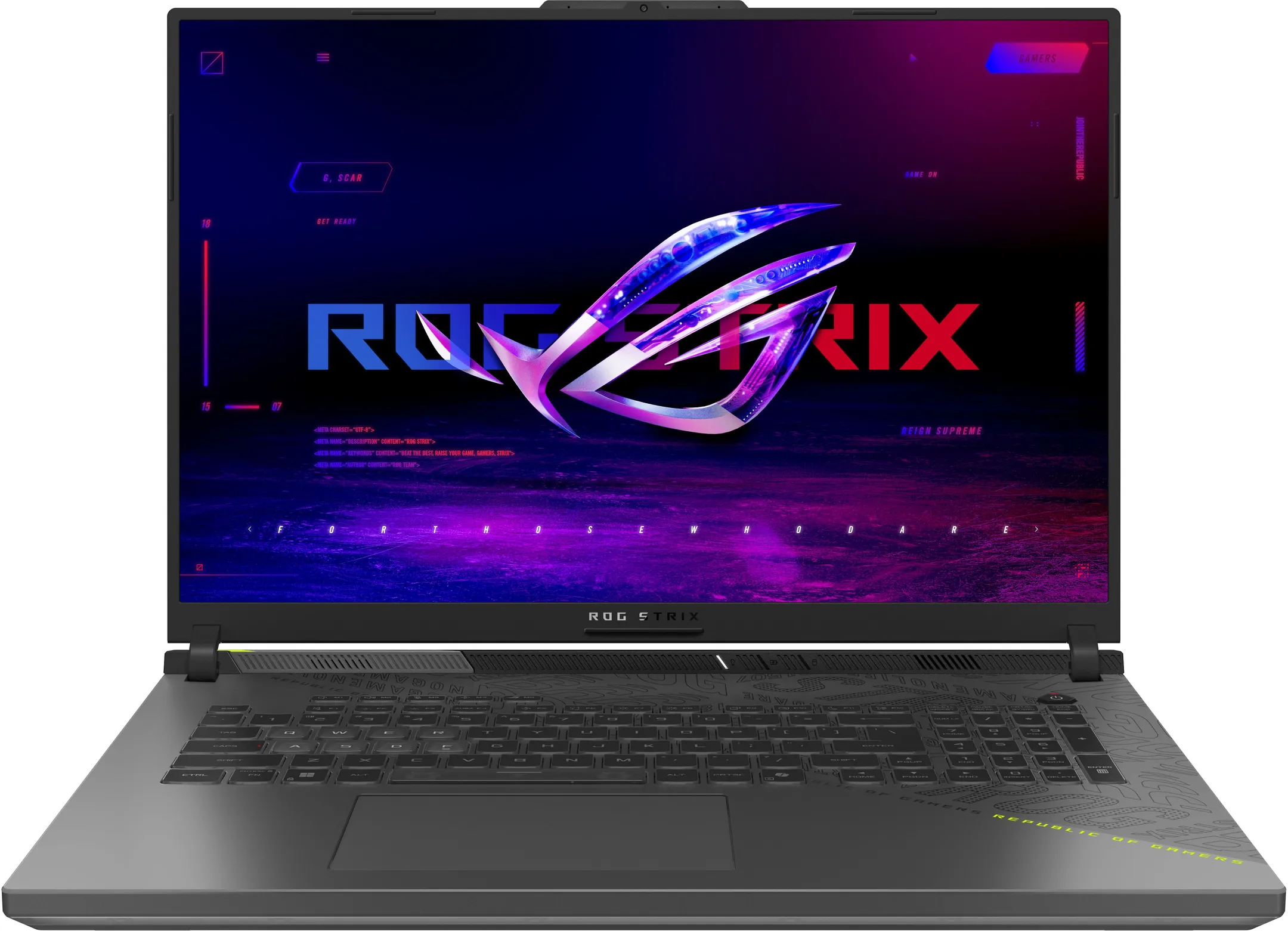
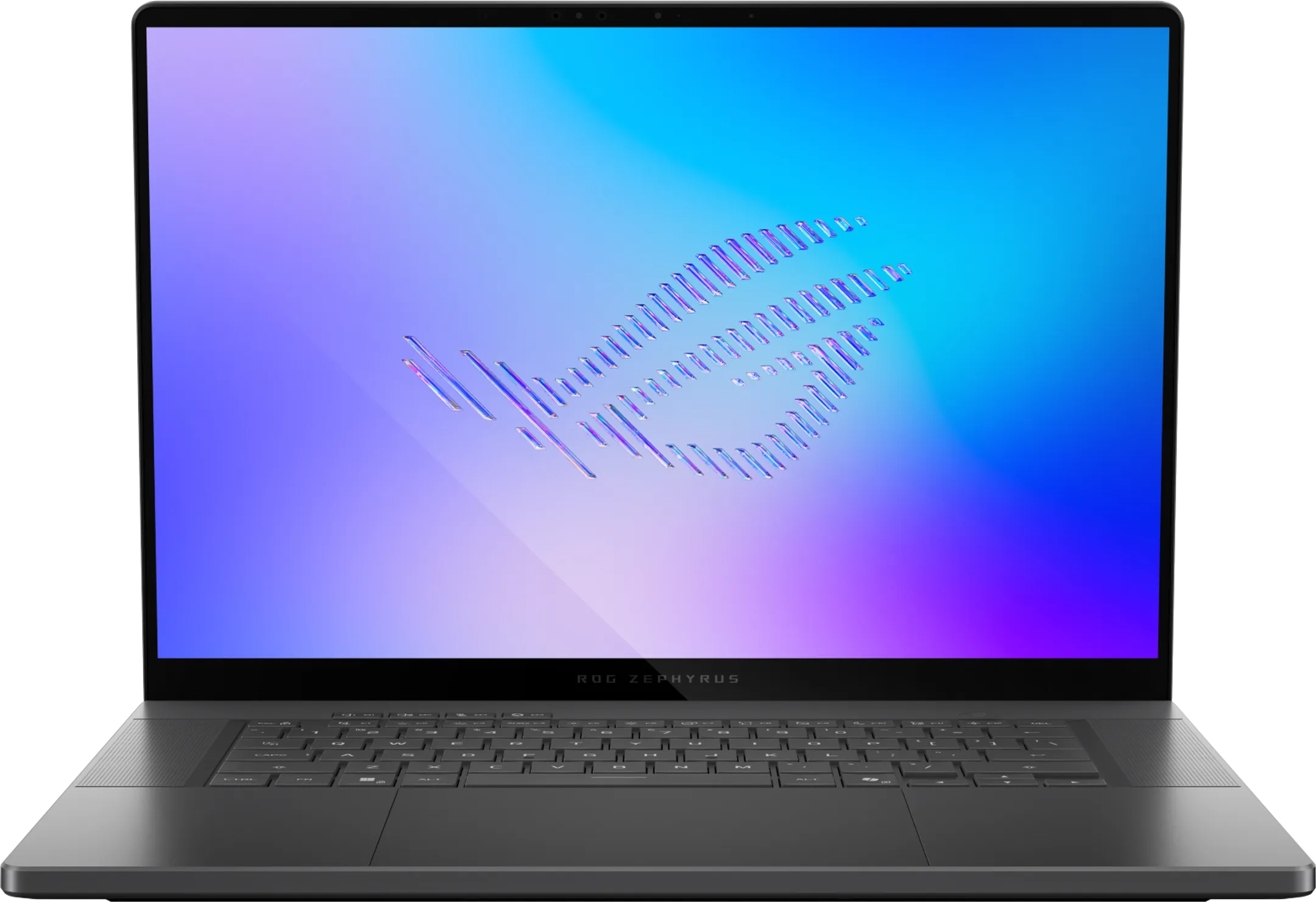
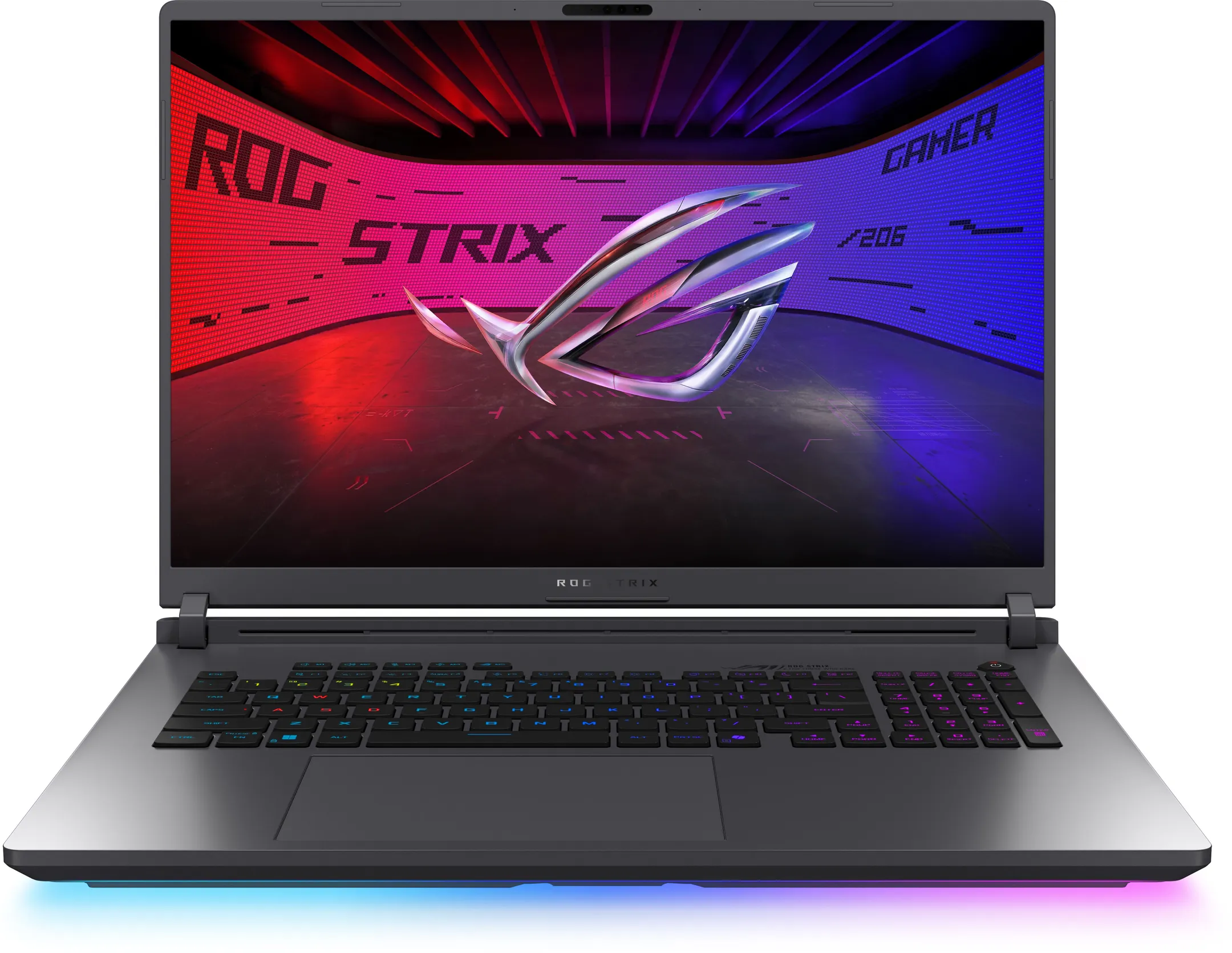
A gaming laptop is chosen first and foremost based on the games you play. Take your most demanding title, note the resolution and level of detail you are aiming for, then compare the graphics cards of the models you are interested in from our range of gaming laptops. If you are hesitating between a laptop and a desktop tower, our guide to choosing a gaming PC explains the advantages of each format, and our entire range is gathered in our gaming area.Which configuration should you choose for a gaming laptop?
- Graphics card: this is the first component to compare. Identify your most demanding game and check the laptop’s performance at the resolution and level of detail you want to use.
- Screen: a Full HD 144 Hz panel is a good starting point for fast-paced games. To make the most of it, choose a configuration capable of approaching 144 frames per second in your games.
- RAM: 16 GB of RAM is a good benchmark for many games. Go for 32 GB if your most demanding titles recommend it or if you play with several applications open.
- Storage: choose a 1 TB SSD if you like to keep several large games installed. With a 512 GB SSD, check whether the laptop lets you add a second drive.
- Processor: pay particular attention to its performance if you play strategy or simulation games that have to manage many characters, vehicles or units on screen.
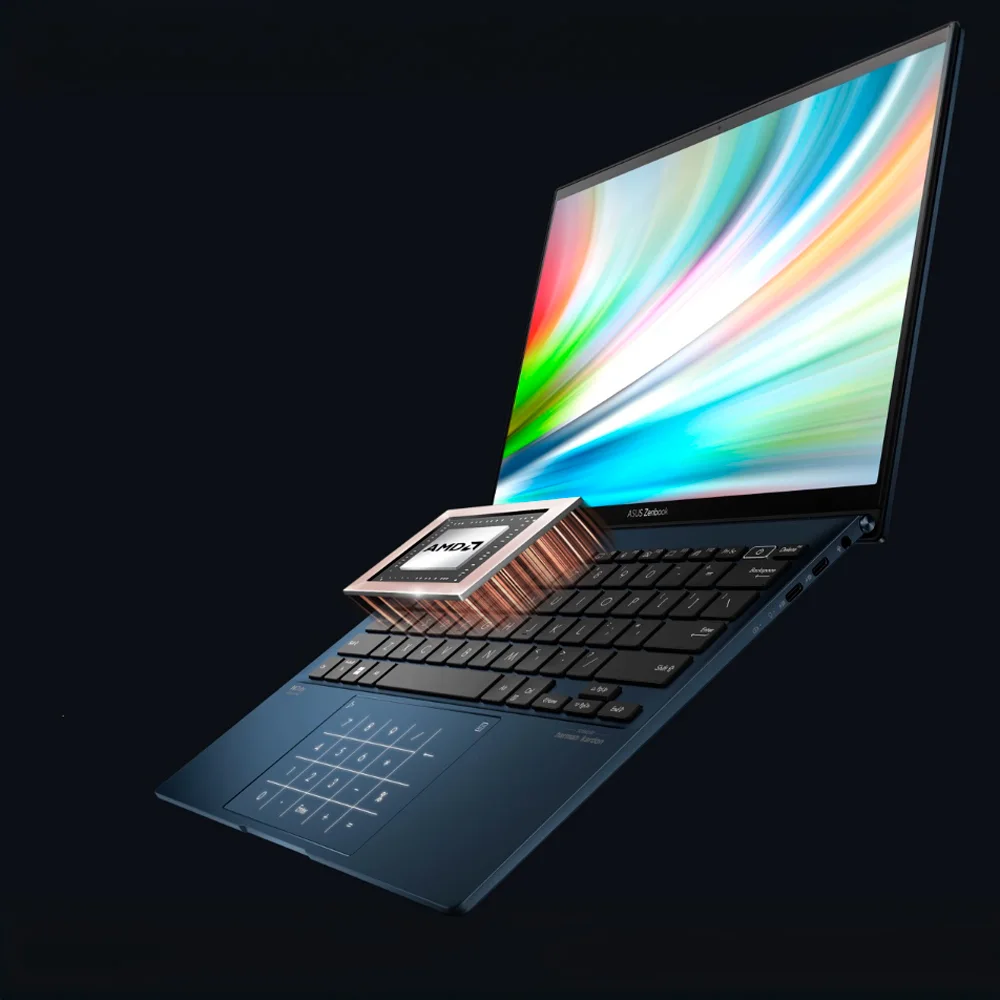
Which laptop brand should you choose?
Would you rather see the screen and try the keyboard before choosing? Our advisors welcome you in our 10 stores in Luxembourg. Your laptop can also be delivered to your home within 24/48 hours, free of charge from €50.
Frequently asked questions about choosing a laptop
Updated on November 23, 2026