
TV Stands
To choose the right TV bracket, start by checking three things: the size of your TV, its weight and its VESA standard, which is the spacing between the mounting holes on the back of the screen. Then choose according to your room. A fixed TV wall bracket is ideal if you watch TV straight on. A tilting bracket is useful for a screen mounted high up, and a swivel bracket suits an open-plan living room or a corner installation. If you do not want to drill, go for a TV stand. Your bracket is available for 1-hour pick-up in one of our 10 stores in Luxembourg.
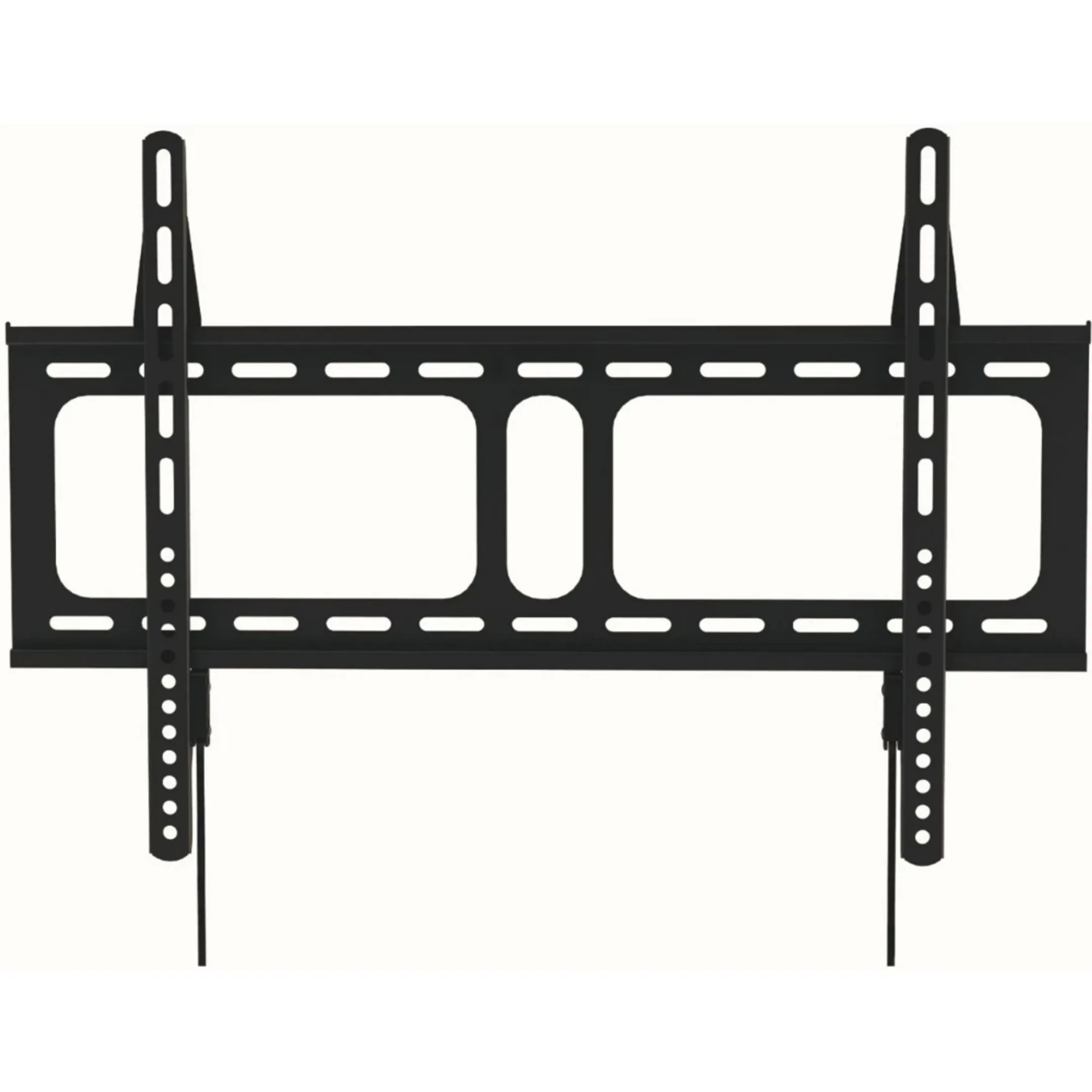
0 reviews
Support for: TV | Suspension: Wall | Minimum screen size: 32 | Maximum screen size: 75 | Maximum weight: 45
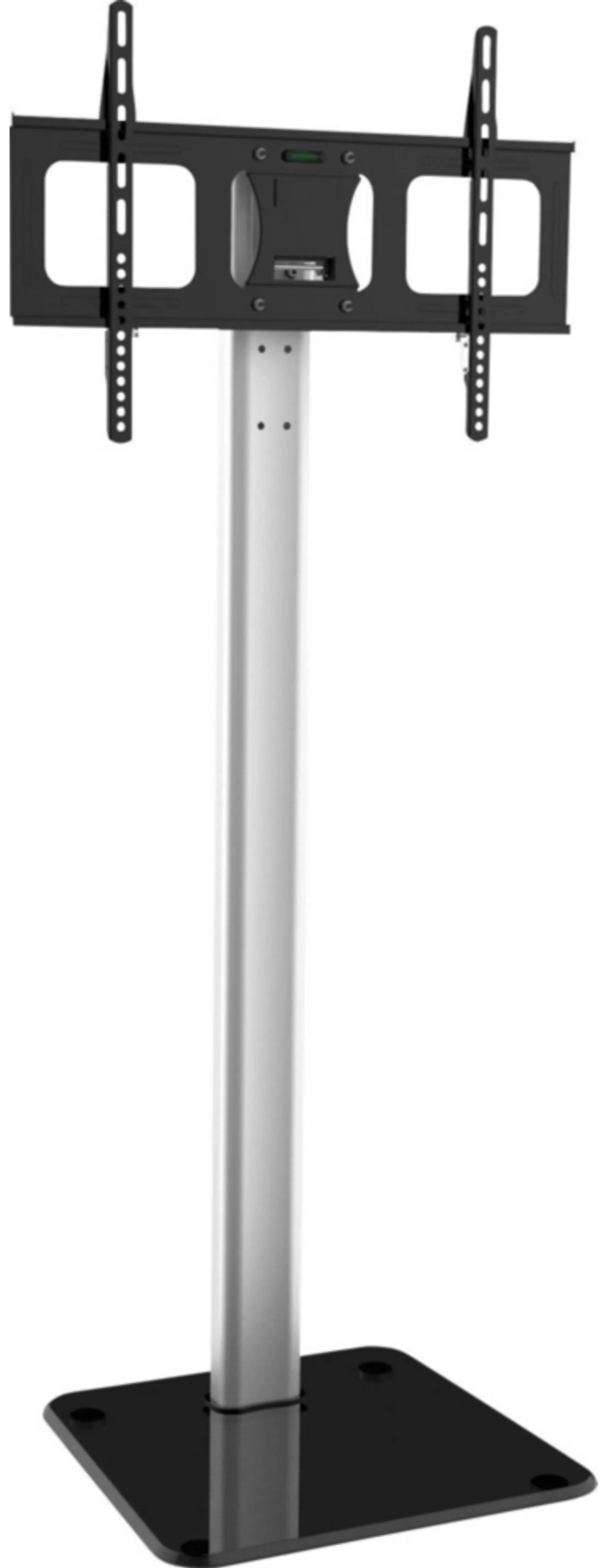
0 reviews
Support for: TV | Suspension: Foot | Flexibility: Swivel and tilt | Minimum screen size: 32 | Maximum screen size: 85
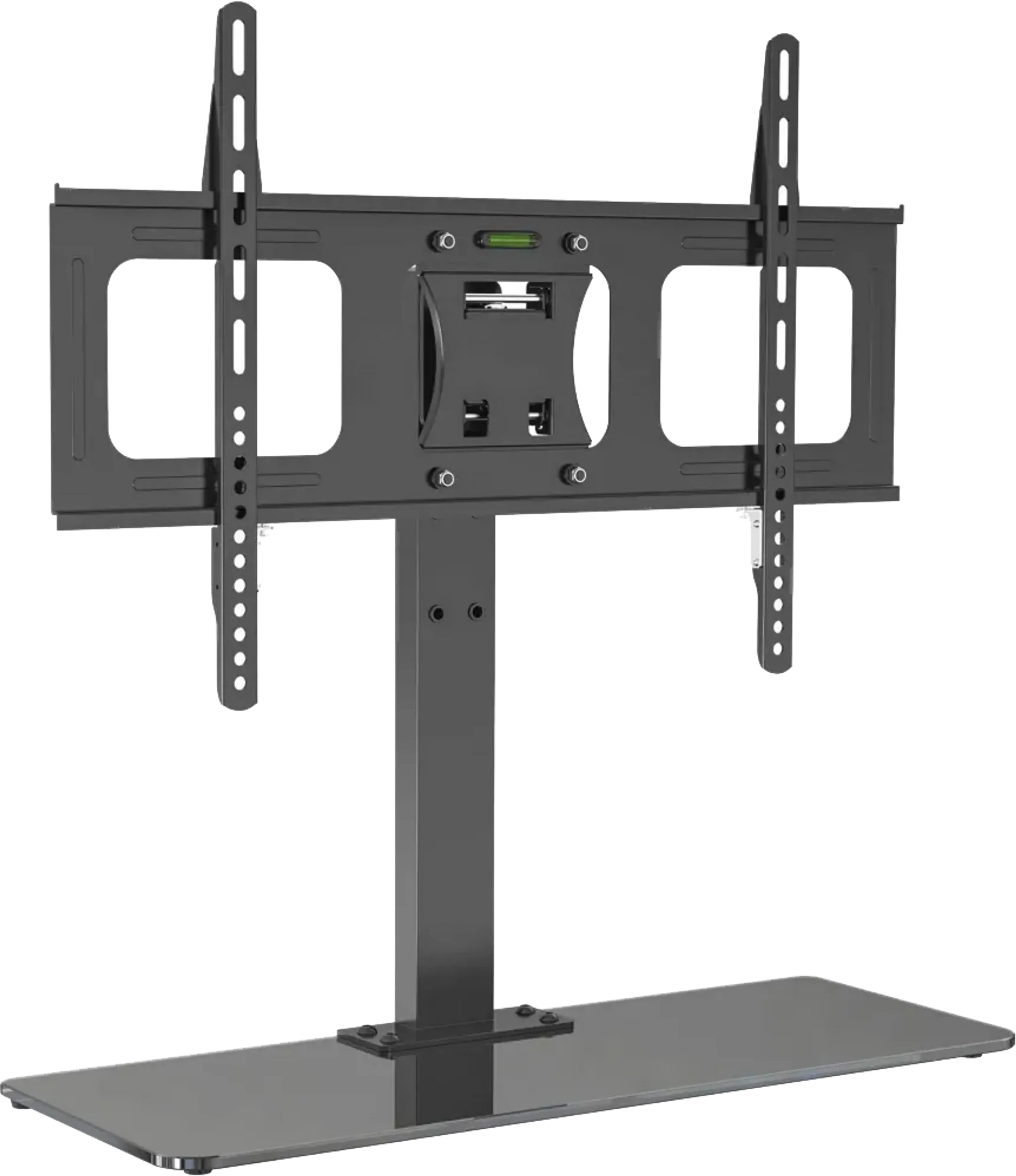
0 reviews
Support for: TV | Suspension: Foot | Flexibility: Tiltable | Minimum screen size: 32 | Maximum screen size: 65
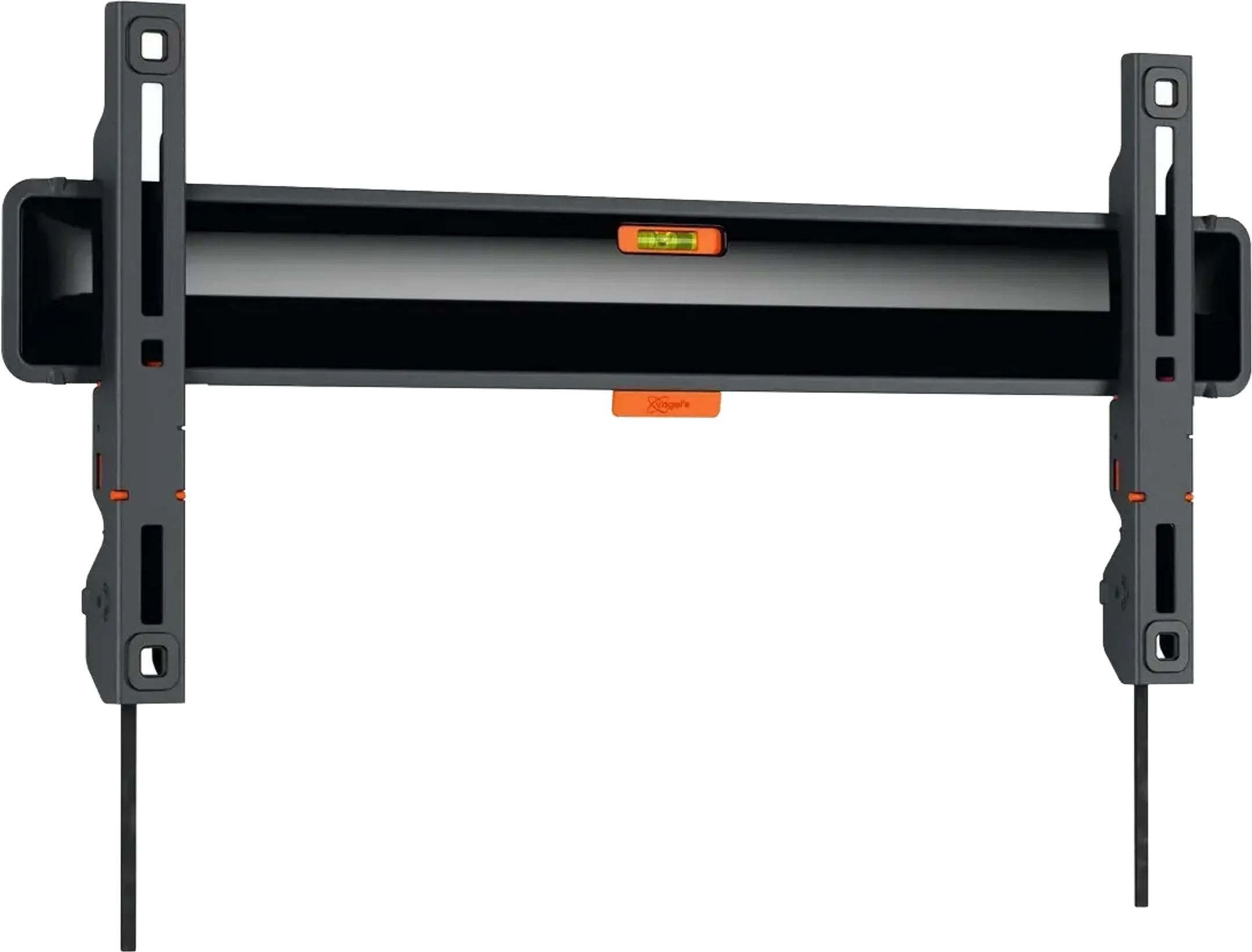
0 reviews
Support for: TV | Suspension: Wall | Flexibility: Fixed | Minimum screen size: 32 | Maximum screen size: 77
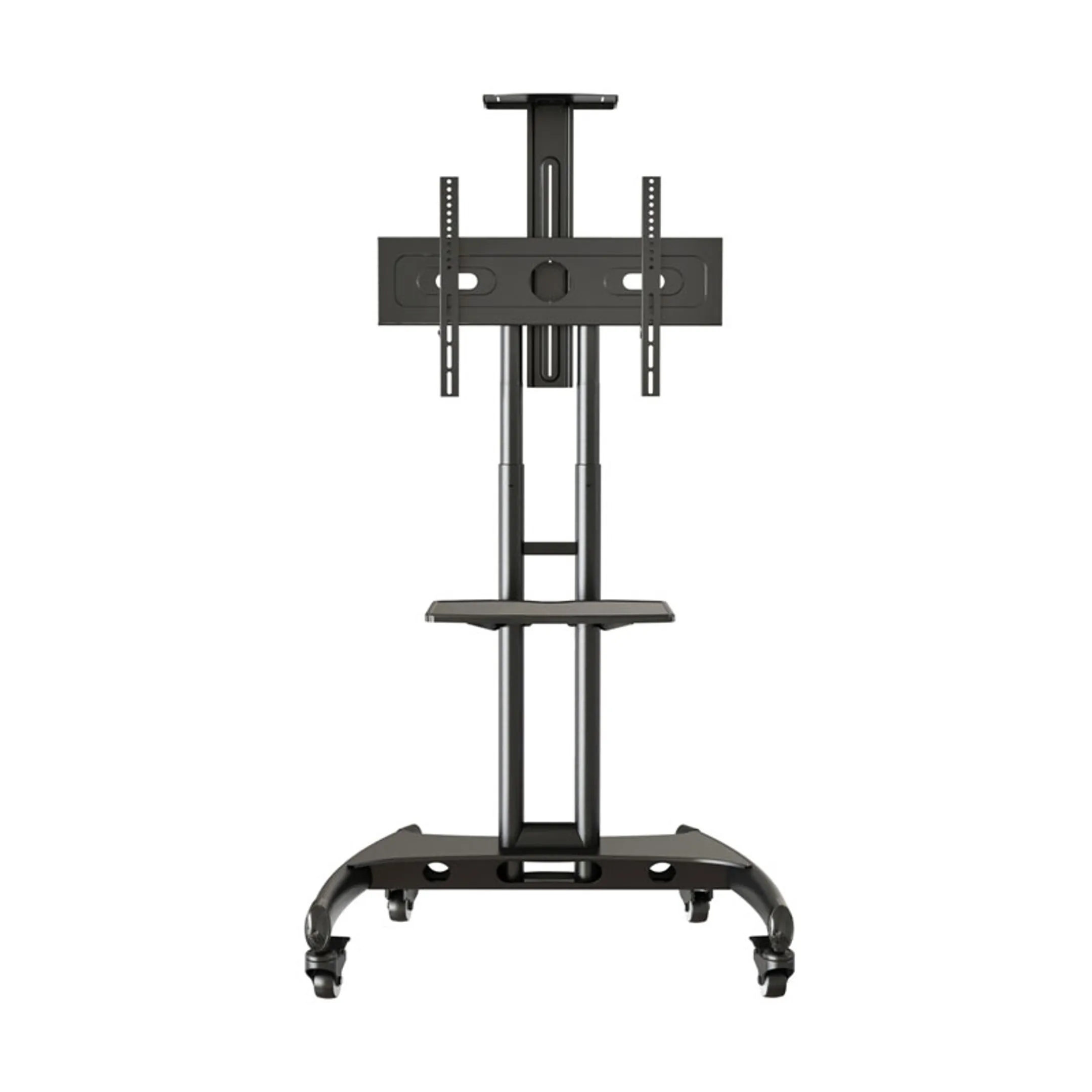
0 reviews
Support for: TV | Suspension: Foot | Flexibility: Swivel | Minimum screen size: 37 | Maximum screen size: 65
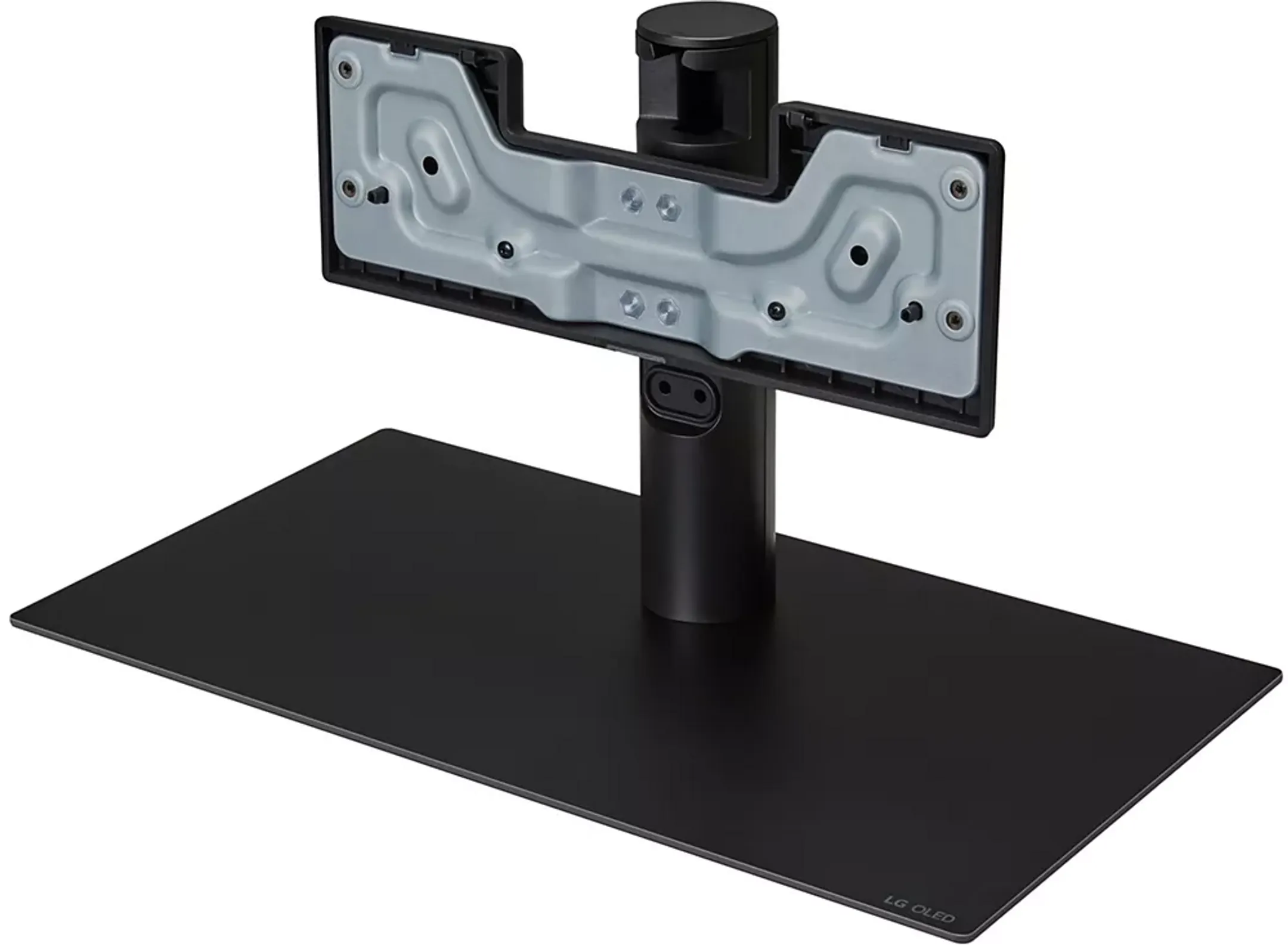
0 reviews
Support for: TV | Suspension: Foot | Flexibility: Fixed
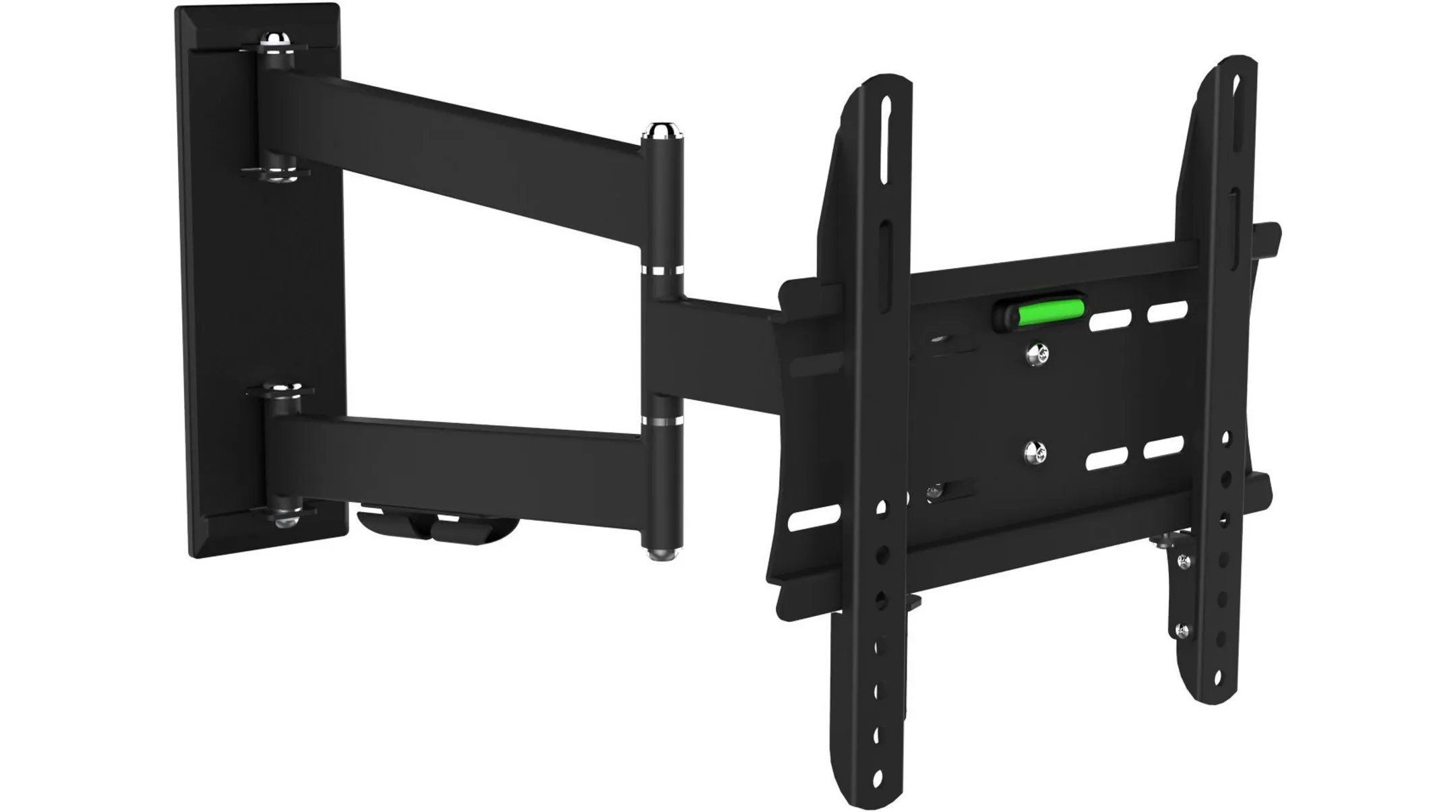
0 reviews
Support for: TV | Suspension: Wall | Flexibility: Swivel and tilt | Minimum screen size: 19 | Maximum screen size: 28
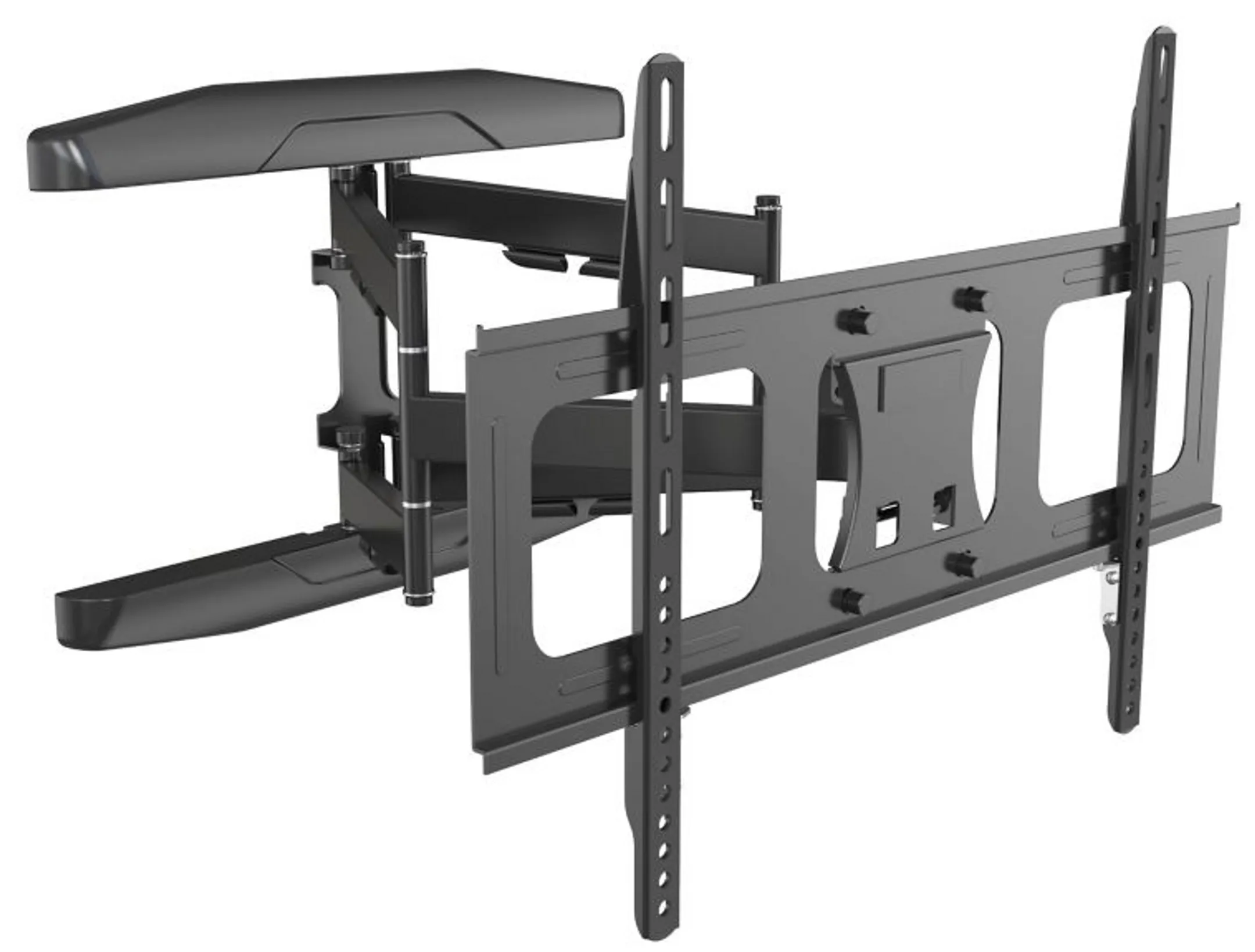
0 reviews
Support for: TV | Suspension: Wall | Flexibility: Swivel and tilt | Minimum screen size: 32 | Maximum screen size: 85

0 reviews
Support for: TV | Suspension: Wall | Flexibility: Tiltable | Minimum screen size: 32 | Maximum screen size: 65
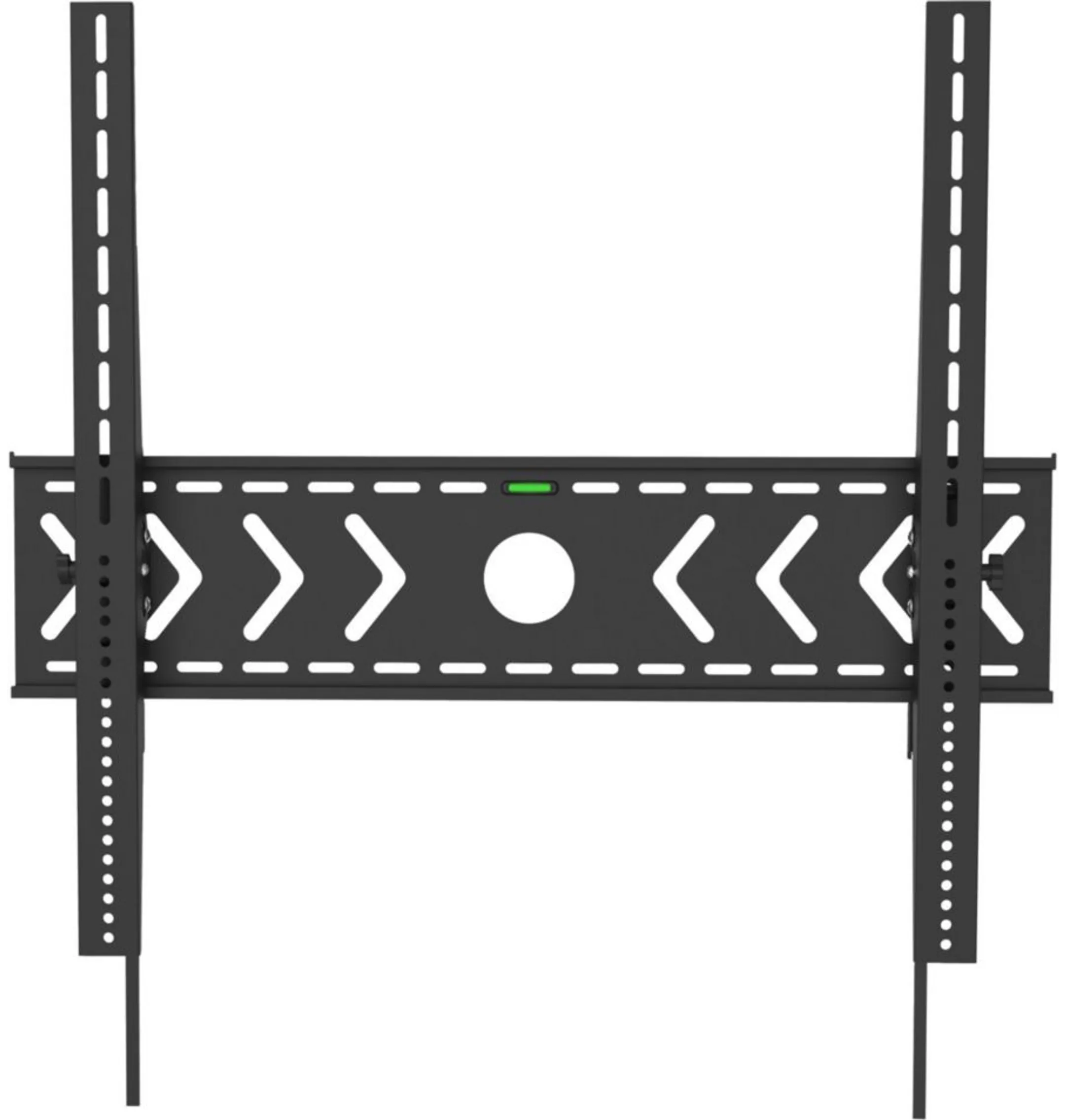
0 reviews
Support for: TV | Suspension: Wall | Flexibility: Tiltable | Minimum screen size: 70 | Maximum screen size: 100
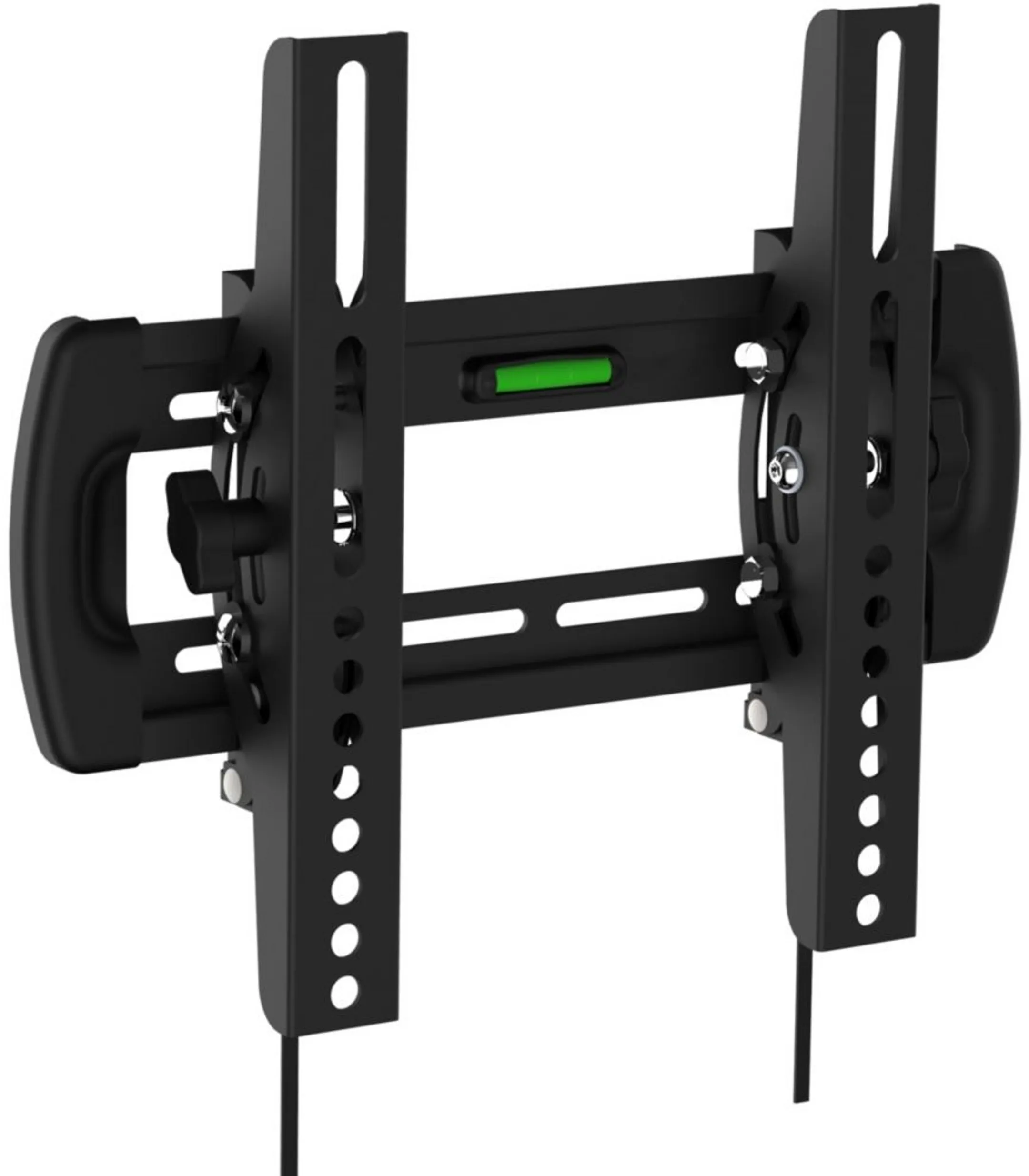
0 reviews
Support for: TV | Suspension: Wall | Flexibility: Tiltable | Minimum screen size: 19 | Maximum screen size: 28
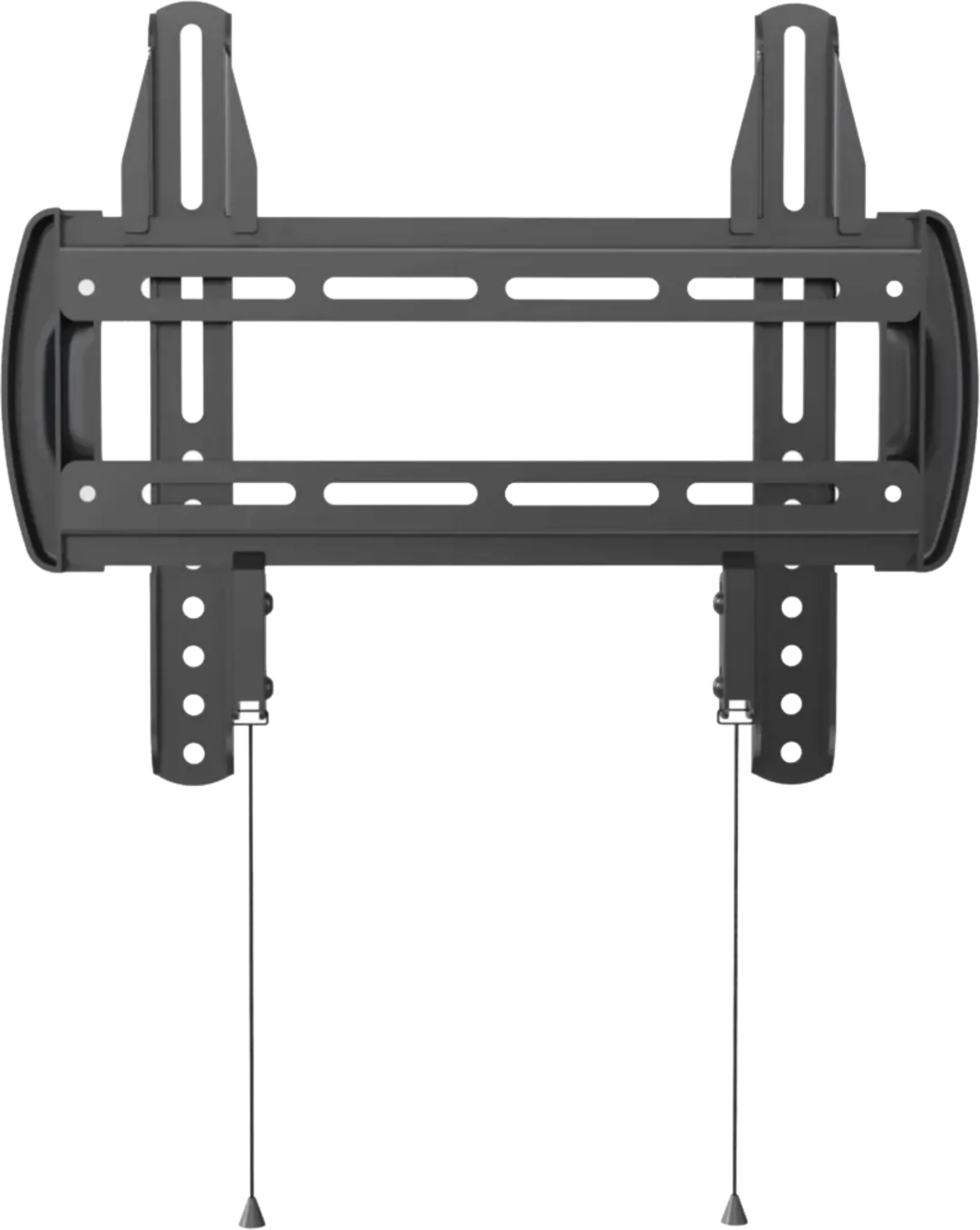
0 reviews
Support for: TV | Suspension: Wall | Flexibility: Fixed | Minimum screen size: 13 | Maximum screen size: 32
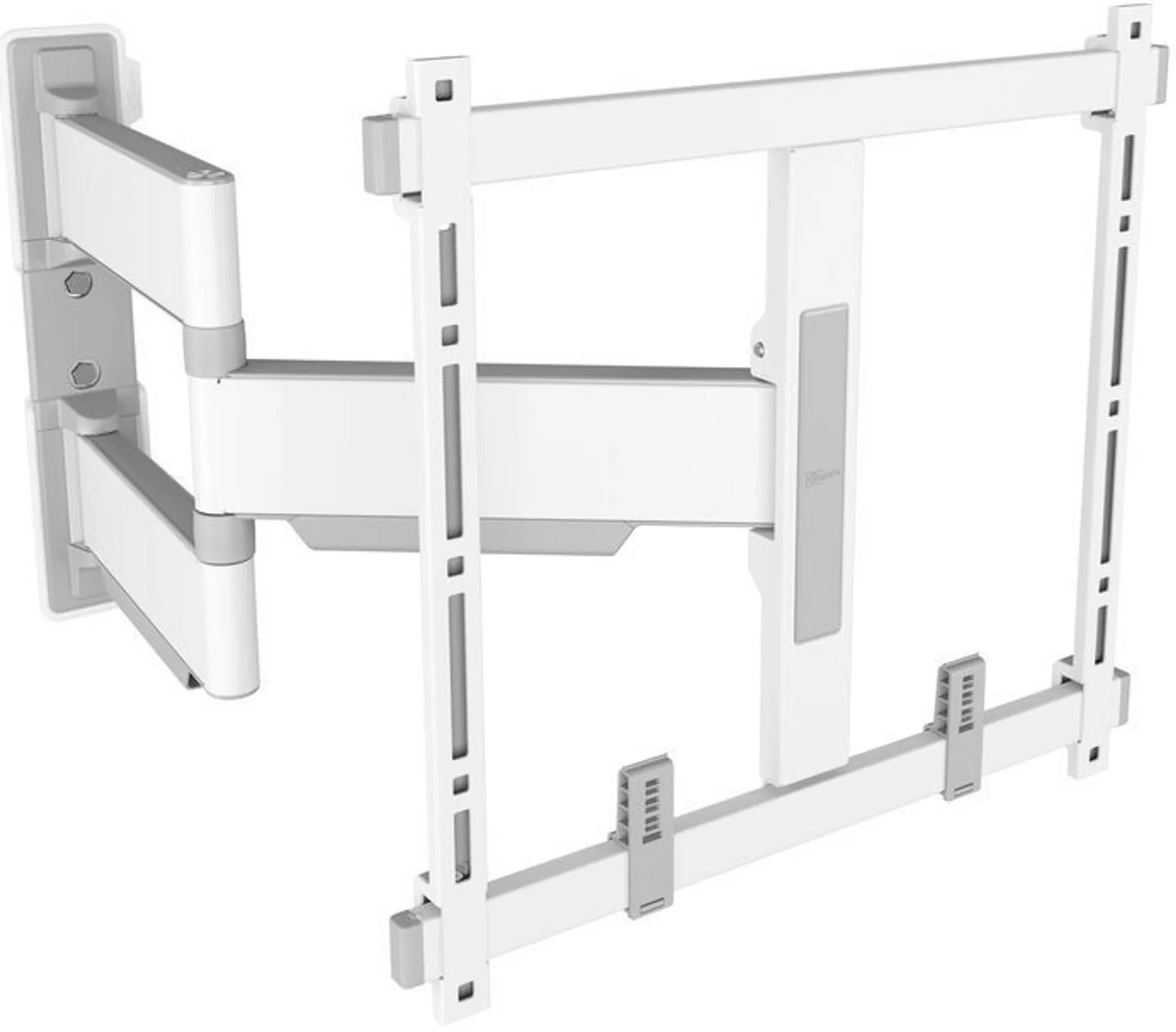
0 reviews
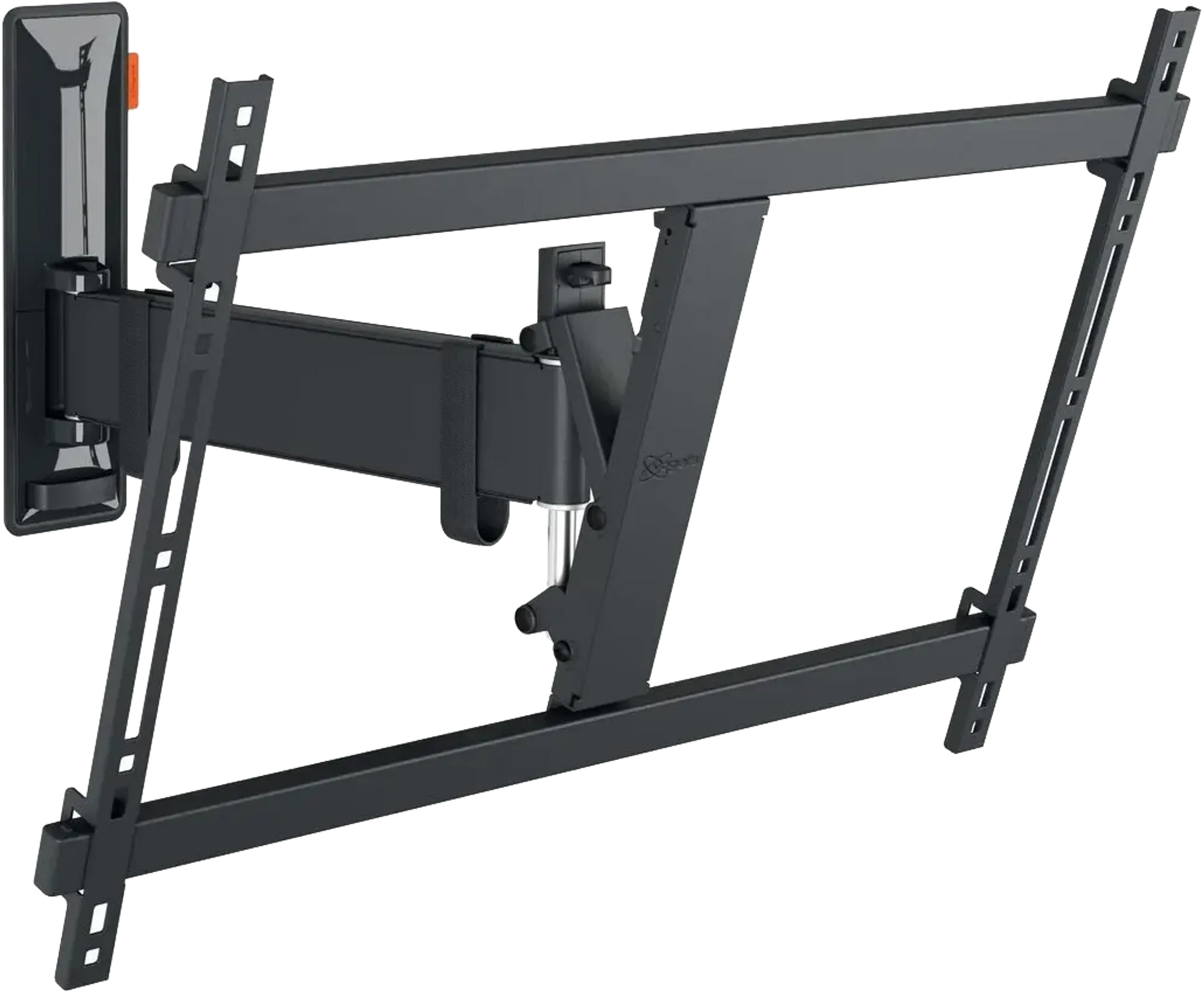
Support for: TV | Suspension: Wall | Flexibility: Swivel and tilt | Minimum screen size: 32 | Maximum screen size: 65
0 reviews
Support for: TV | Suspension: Wall | Flexibility: Swivel and tilt | Minimum screen size: 40 | Maximum screen size: 77

0 reviews
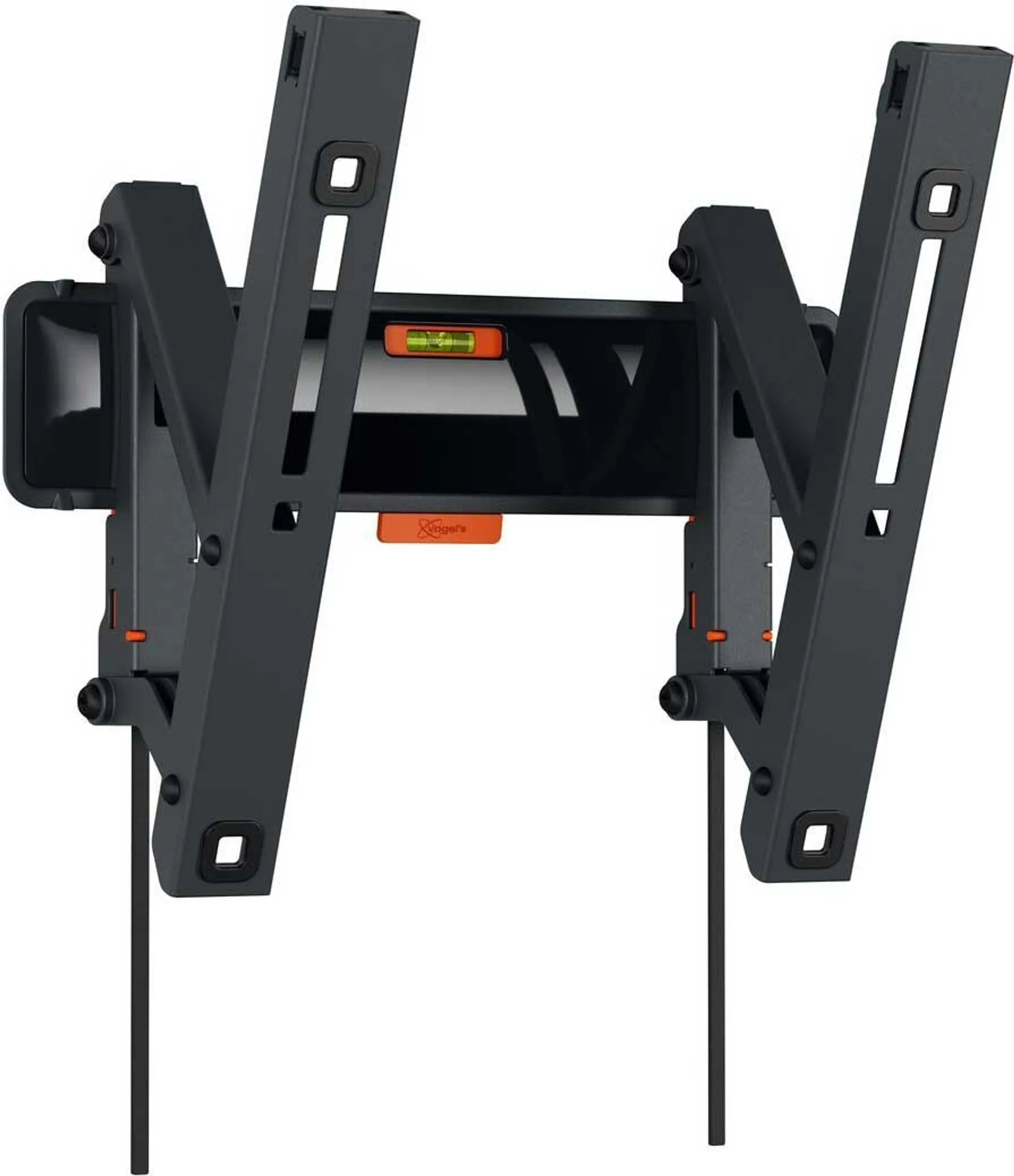
Support for: TV | Suspension: Wall | Flexibility: Fixed | Min. distance to wall: 1.4
0 reviews
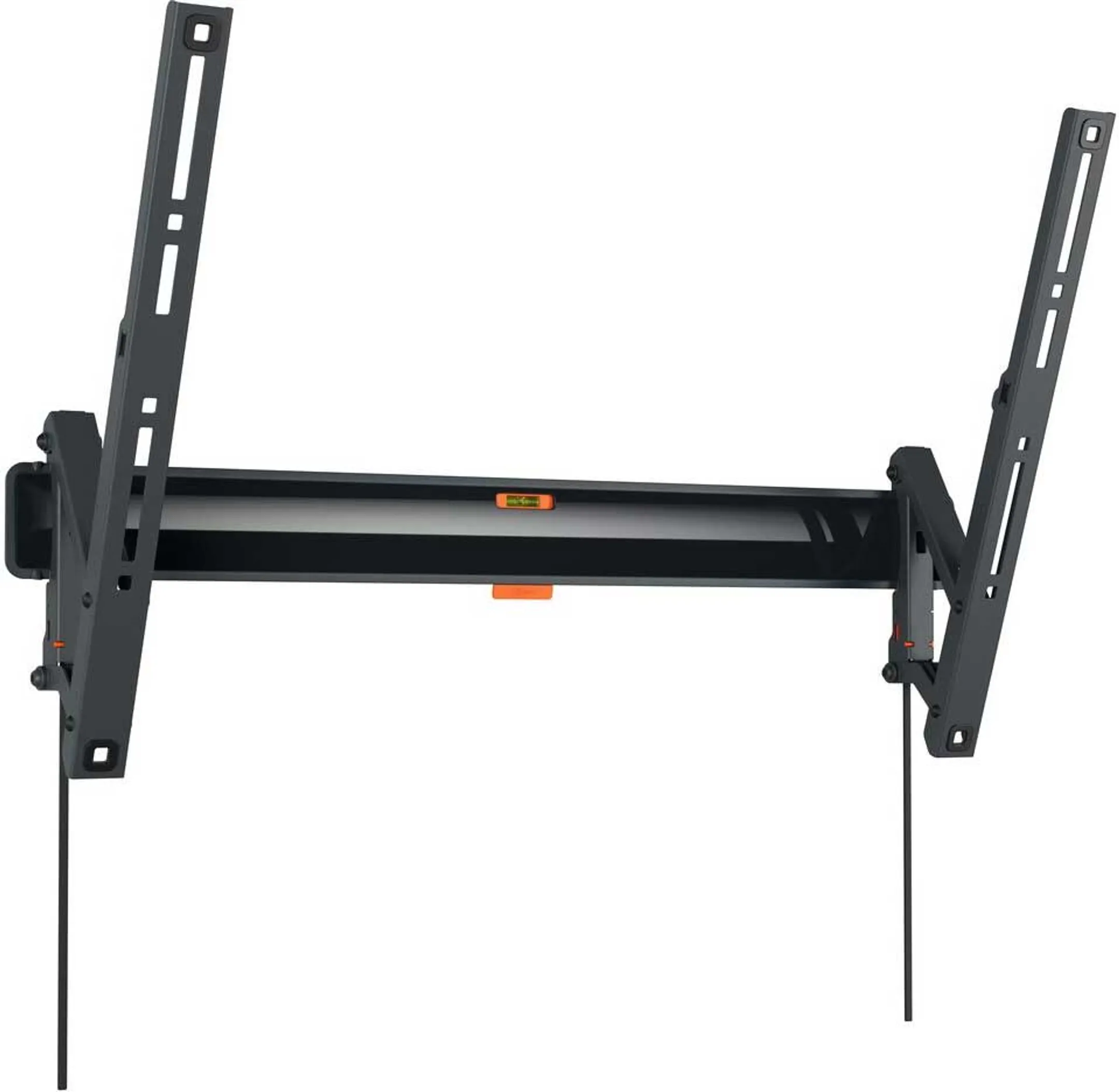
Support for: TV | Suspension: Wall | Flexibility: Tiltable | Minimum screen size: 19 | Maximum screen size: 43
0 reviews
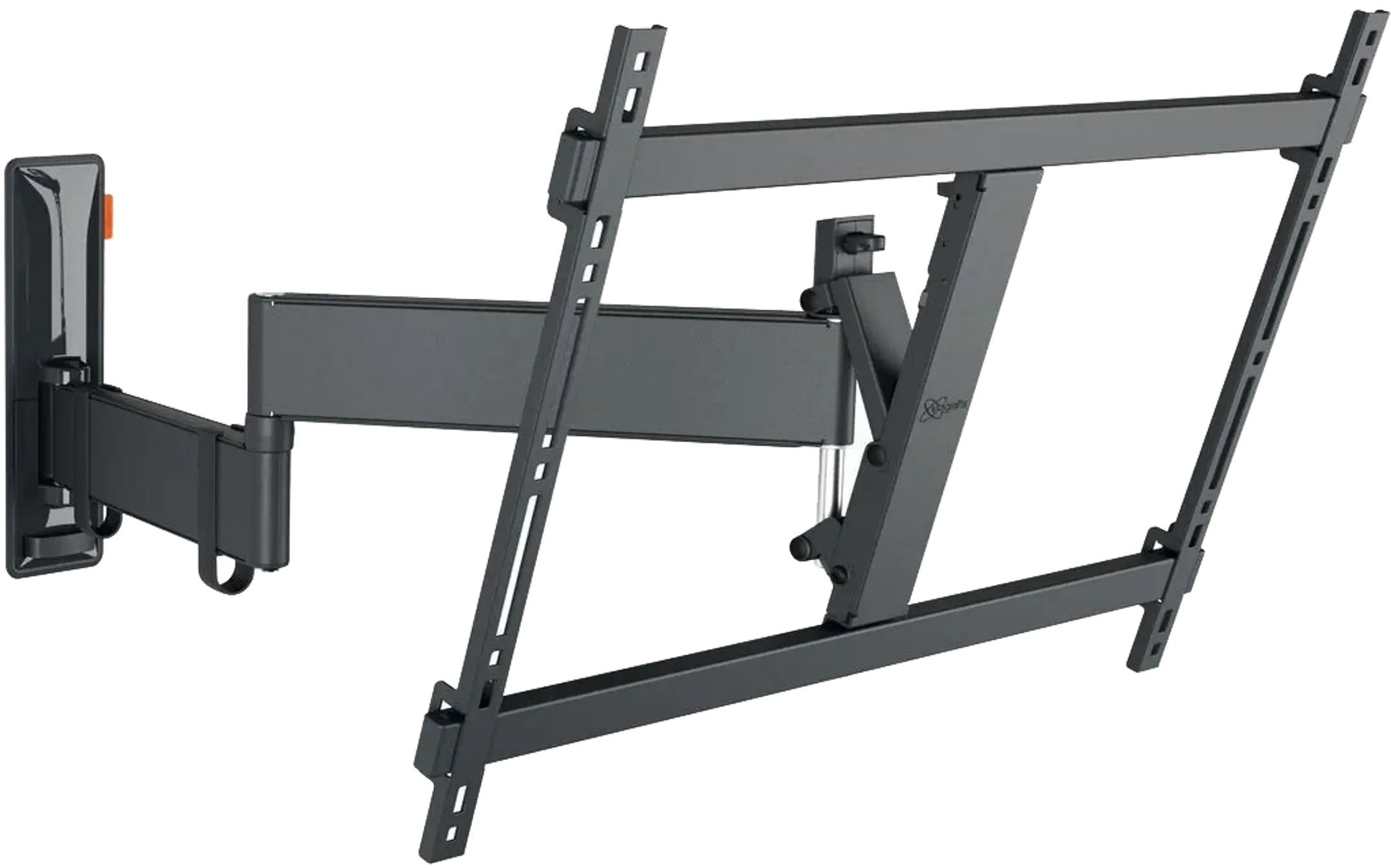
Support for: TV | Suspension: Wall | Flexibility: Tiltable | Minimum screen size: 40 | Maximum screen size: 77
0 reviews
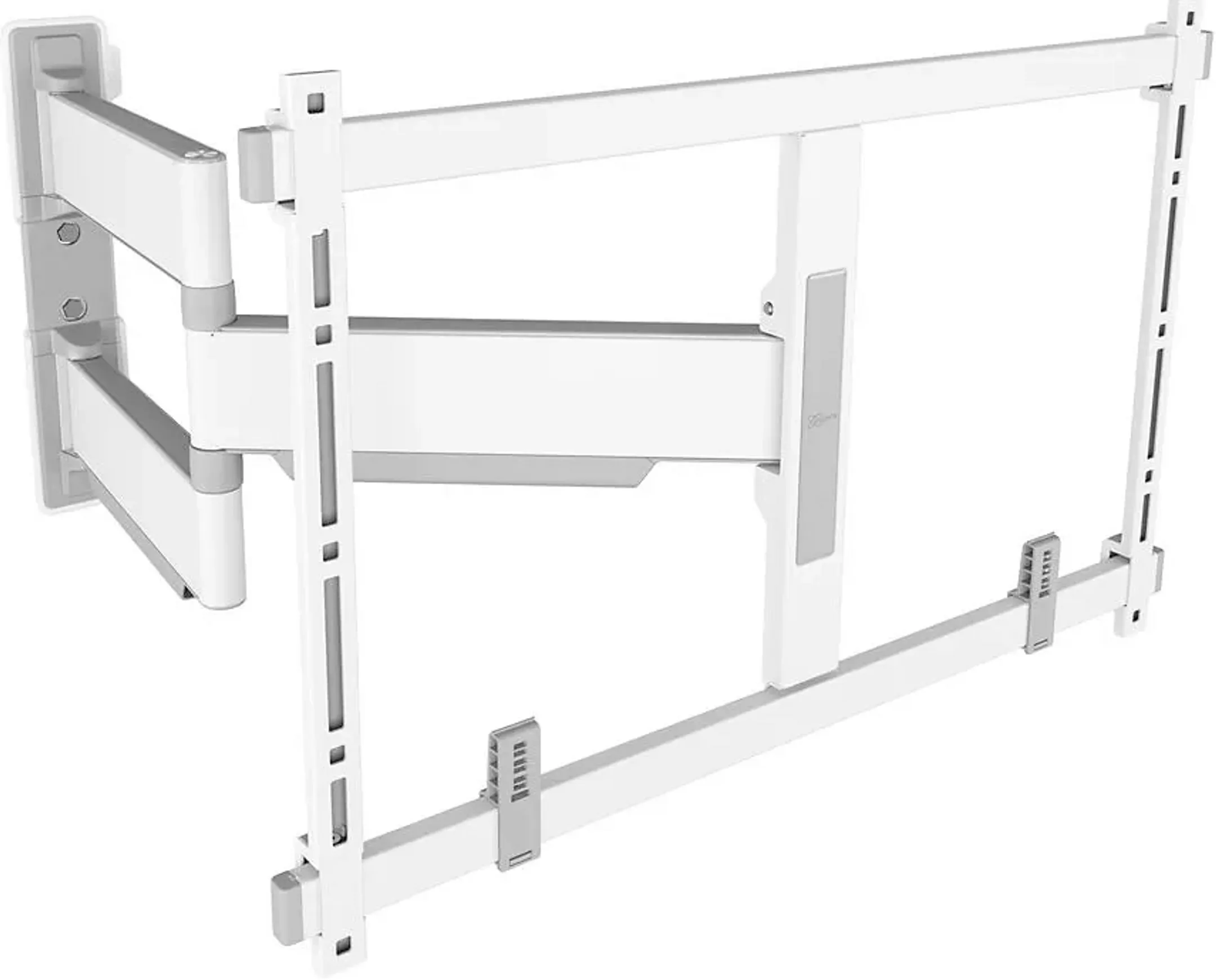
Support for: TV | Suspension: Wall | Flexibility: Swivel and tilt | Minimum screen size: 40 | Maximum screen size: 77
0 reviews
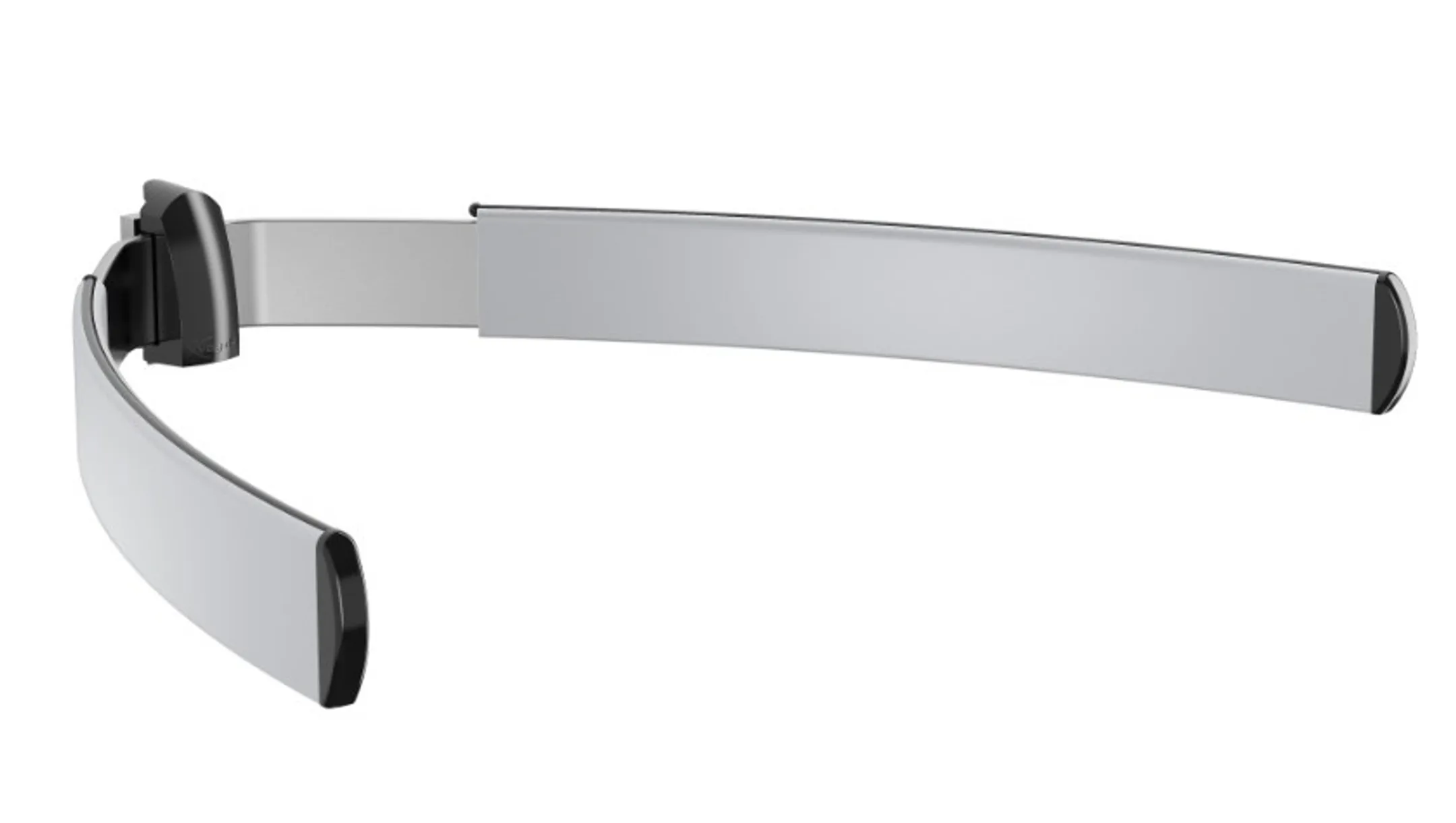
Support for: TV | Suspension: Wall | Flexibility: Swivel | Minimum screen size: 40 | Maximum screen size: 77

0 reviews
Support for: TV | Suspension: Foot | Flexibility: Swivel | Minimum screen size: 32" | Maximum screen size: 50"


0 reviews
Support for: TV | Suspension: Ceiling | Flexibility: Tiltable | Minimum screen size: 19 | Maximum screen size: 43
0 reviews
Support for: TV | Suspension: Wall | Flexibility: Adjustable in height
How to choose a TV bracket
Before buying, check three details in your TV’s specifications: the screen size in inches, the weight without the stand and the VESA pattern. VESA refers to the distance in millimetres between the mounting holes on the back of the screen, for example 200 x 200 mm. The bracket must match this pattern and support more weight than your TV. Leave a margin: a bracket designed for a slightly larger and heavier screen than yours will stay more stable over time.
Fixed, tilting or swivel wall bracket: which one to choose?
A fixed wall bracket keeps the TV just a few centimetres from the wall. It is the most discreet and affordable solution, ideal when the screen faces the sofa at eye level. Ultra-slim models are particularly well suited to very thin OLED TVs.
A tilting bracket lets you angle the screen down by a few degrees. It is useful when the TV is mounted higher than usual, for example above a fireplace or in a bedroom. It also reduces reflections from a window or a light.
A swivel bracket, also called a full-motion or articulating bracket, extends away from the wall and turns left or right. It is the right choice for an open-plan room, a living room with several seats or a corner installation. As its arm puts more strain on the fixings, it needs a solid wall.
TV stands and TV furniture: no drilling needed
Renting, or would you rather not drill? A TV stand holds your screen on the floor or on a piece of furniture, and some models tilt, swivel or adjust in height. Manufacturers such as LG and Samsung also offer stands designed for their own TVs. If you also want to store your set-top box, console or soundbar, TV furniture is the most complete solution.
How high should you mount your TV?
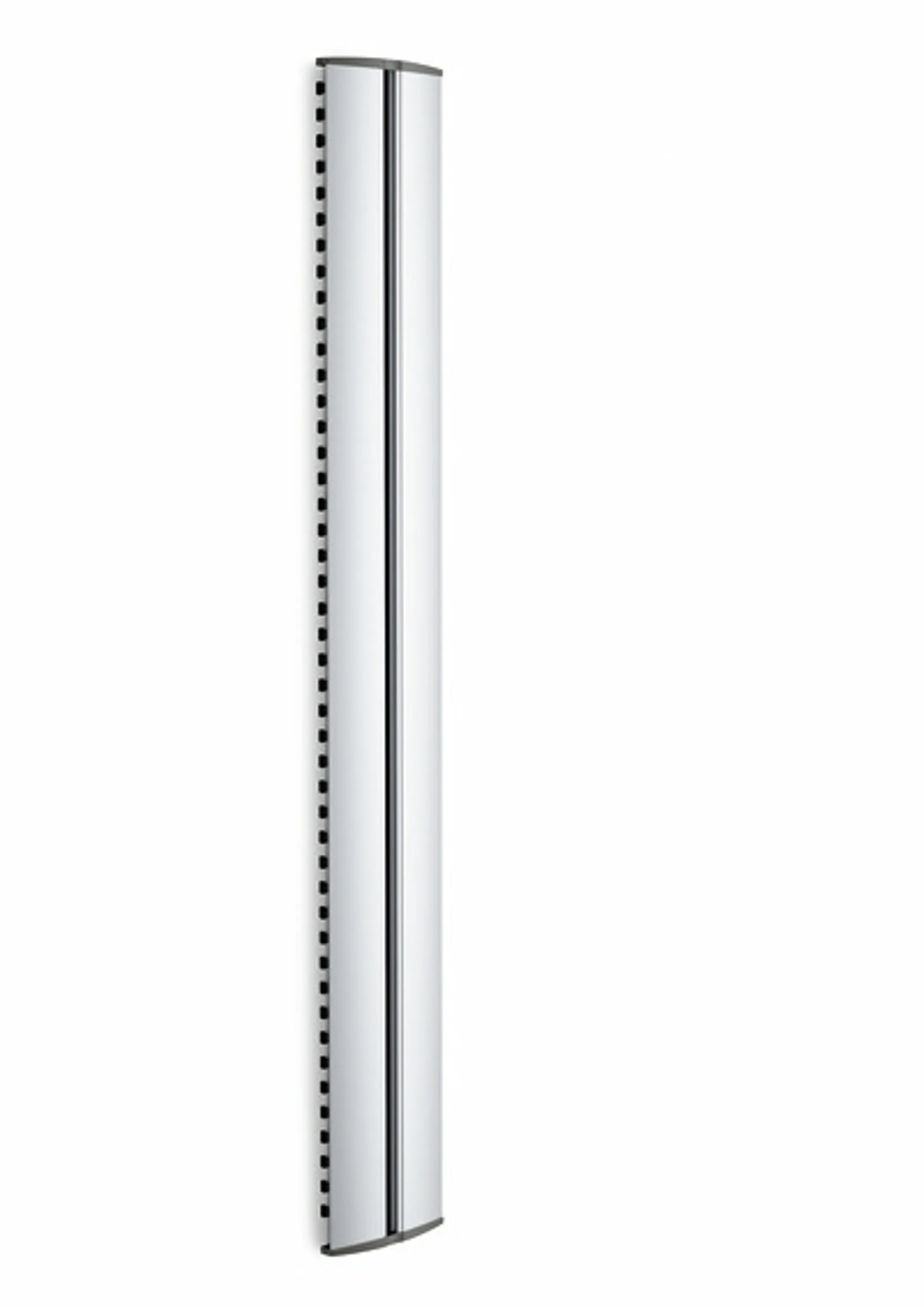
For comfortable viewing, the centre of the screen should be roughly at eye level when you are seated. If the screen is placed higher, choose a tilting bracket to keep a good viewing angle. Distance matters as much as height: before mounting your TV, check that its screen size suits your viewing distance. Before drilling, also check the type of wall: a plasterboard partition requires plugs suited to the load, unlike concrete or brick. Finally, a wall cable channel neatly hides the wires between the TV and the furniture.
Your TV bracket at HiFi in Luxembourg
Vogel’s, ESSENTIEL-B, Adeqwat, LISTO, Hama or original LG and Samsung stands: HiFi offers brackets for screens from 13 to 100 inches.
Collect your order in 1 hour from one of our 10 stores in Luxembourg, or enjoy free home delivery on orders from €50.
Not sure which model suits your screen? Our advisers, image and sound specialists since 1975, will help you choose. And if you are also replacing your TV, they will recommend the bracket suited to its weight and VESA pattern.
Frequently asked questions
Which TV bracket should I choose for a 65-inch TV?
First check the VESA pattern and weight of your TV. Most of our wall brackets cover screens from 32 to 65 inches or more, in fixed, tilting or swivel versions.
How do I find my TV’s VESA standard?
It is listed in the specifications or the manual of your TV. You can also measure in millimetres the distance between the mounting holes on the back of the screen, first horizontally, then vertically.
Can you mount a TV on a plasterboard wall?
Yes, with plugs suited to the total weight. For a large screen or a swivel bracket, use a load-bearing wall or fix the bracket into the studs of the partition.